Electrónica
Magcubic HY310X 4K 420ANSI Android 11 Auto Focus Keystone Mini Projector with Full HD 1080Pfor Outdoor Theater Stand Projector
Envío Internacional$98.17
Envío gratis
201982202
Stock Disponible: 500 unidades
SKU: 3256808999620082
$66.12
Precio final con envíoEl impuesto, si aplica, se confirma en el checkout según tu dirección. Aquí ves producto, fee y envío.
Envío EE.UU.: USPS / UPS Ground.
Costo Visible: Sin sorpresas ocultas.
Tracking Real: Alertas por SMS/Email.
Pago Seguro: Cifrado por Stripe.
Sin sorpresas ni comisiones ocultas antes de pagar.
Te notificamos cada cambio de estado automáticamente.
Enlace oficial con número de guía verificado.
Política transparente de ajuste de precios y gestión de cambios.
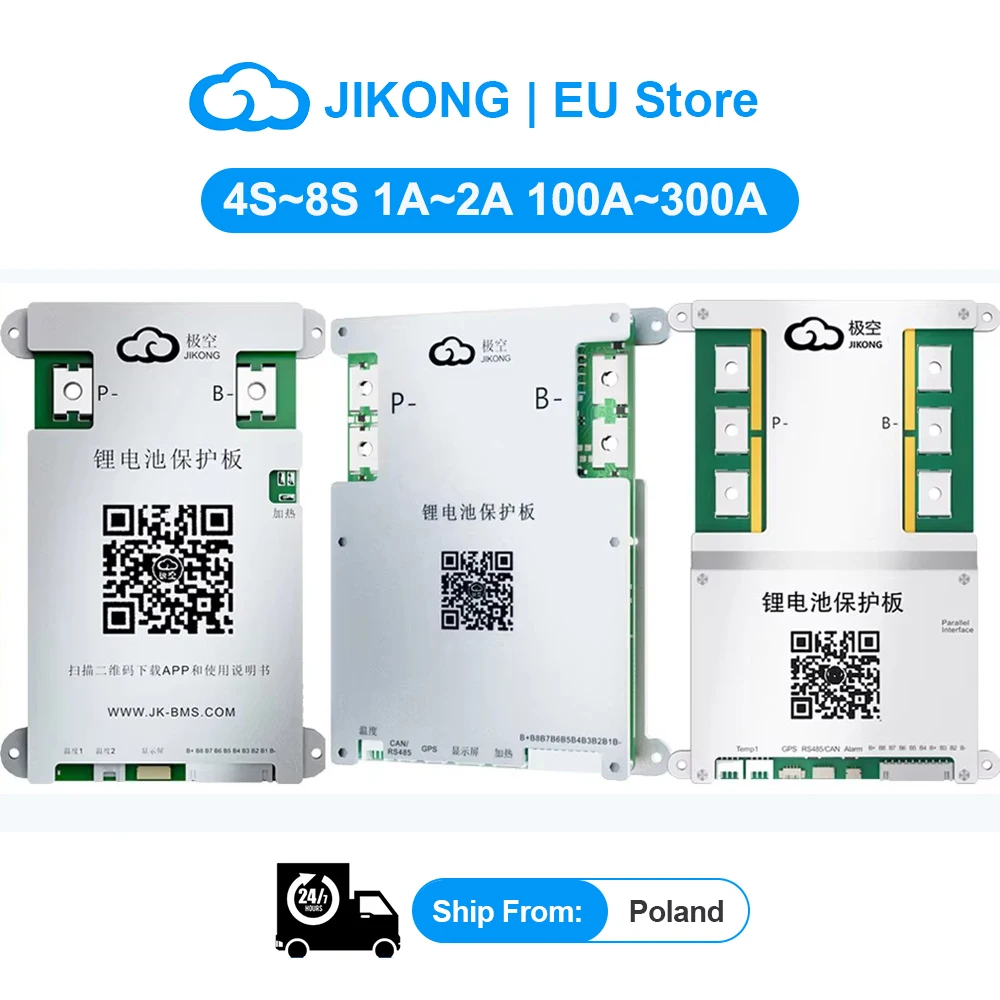
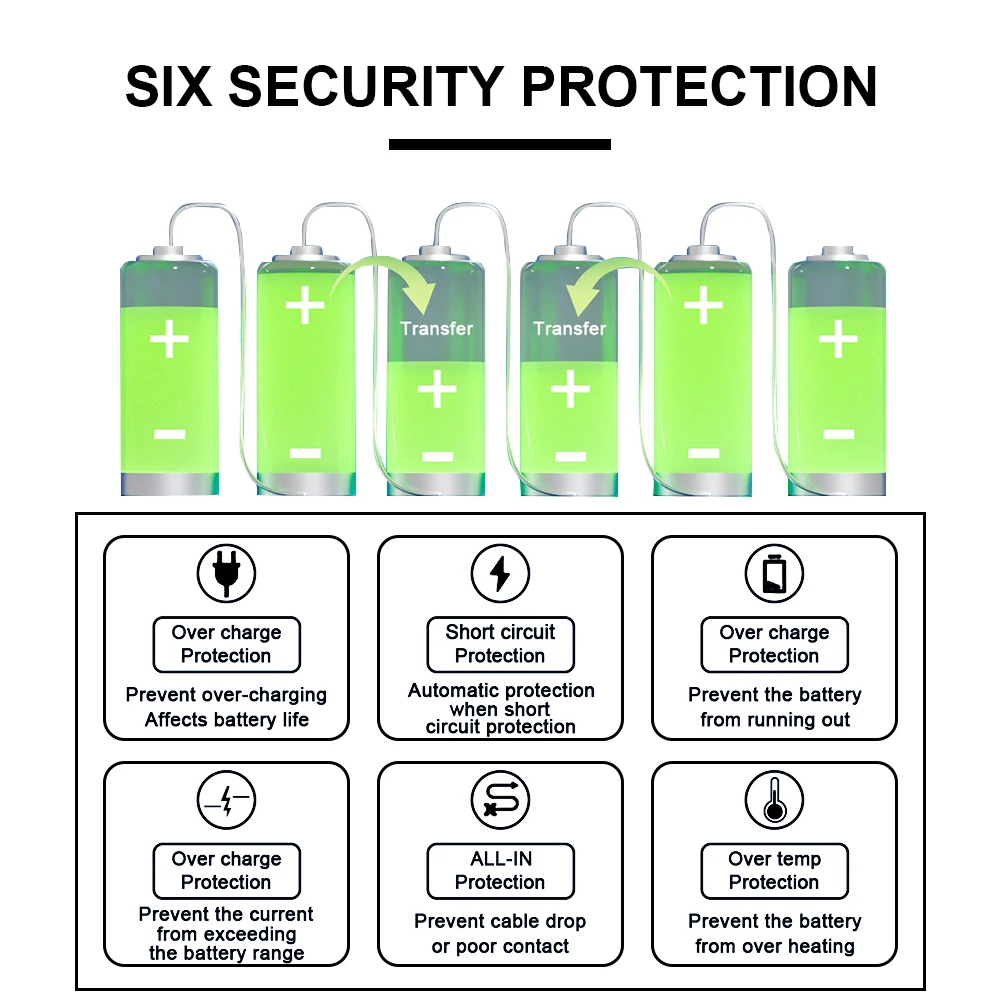
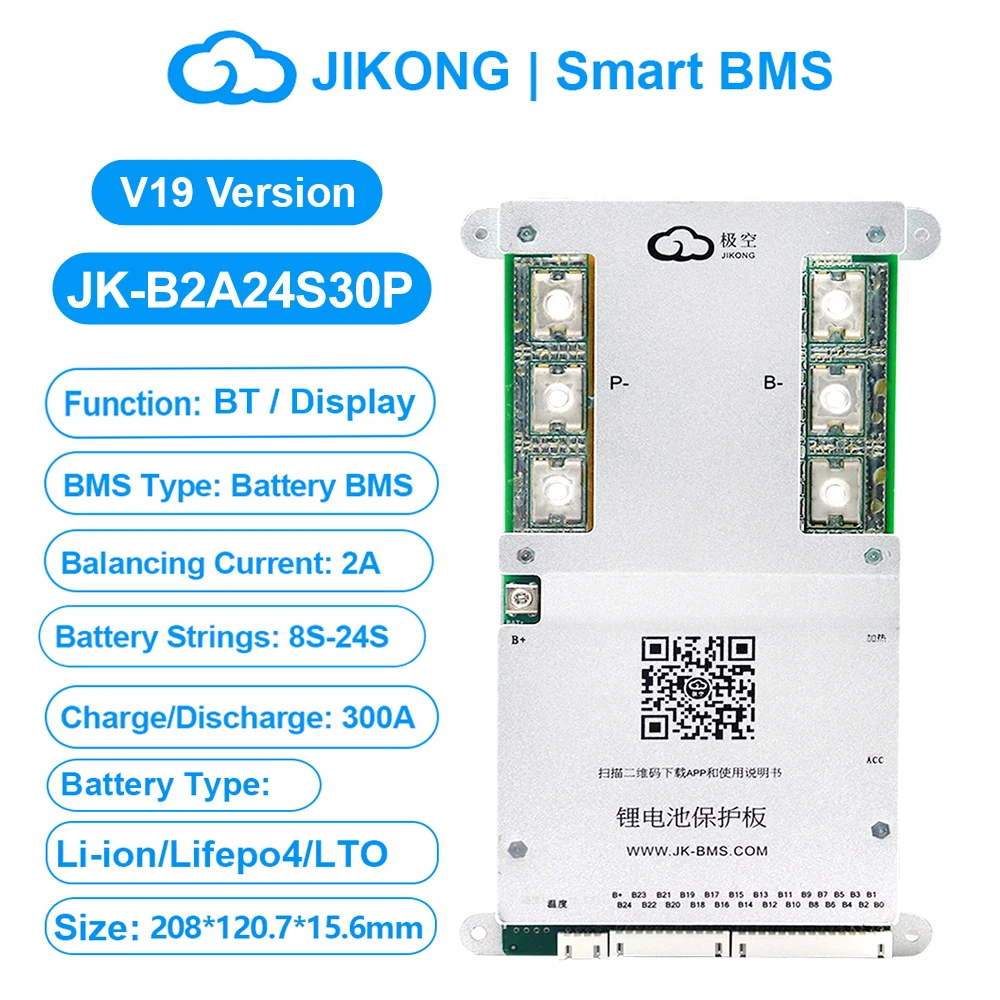
| Atributos del producto | Brand Name: jikong, Origin: Mainland China, Function: Overcharge Protection, Function: Over Discharge Protection, Function: Overcurrent Protection, Function: Short Circuit Protection, High-concerned chemical: none, Balance Function: Active Balanced BMS, Usage Scenario: Power BMS, Usage Scenario: 3C Digital BMS, Charge and Discharge Port: Common Port BMS, Type: LIFEPO4 Battery BMS, Handware or Smart: SMART BMS, Charging Current: 80A, Certification: CE, Certification: FCC, Certification: RoHS, Battery Type: Li-ion/LiFePo4/LTO, Balance Current: 1A~2A, Battery Strings: 4S~8S, Charge/Discharge current: 100A~300A, Function: BT/Heat/RS485/CAN |
|---|---|
| Tamaño del paquete | 200×200×60 mm |
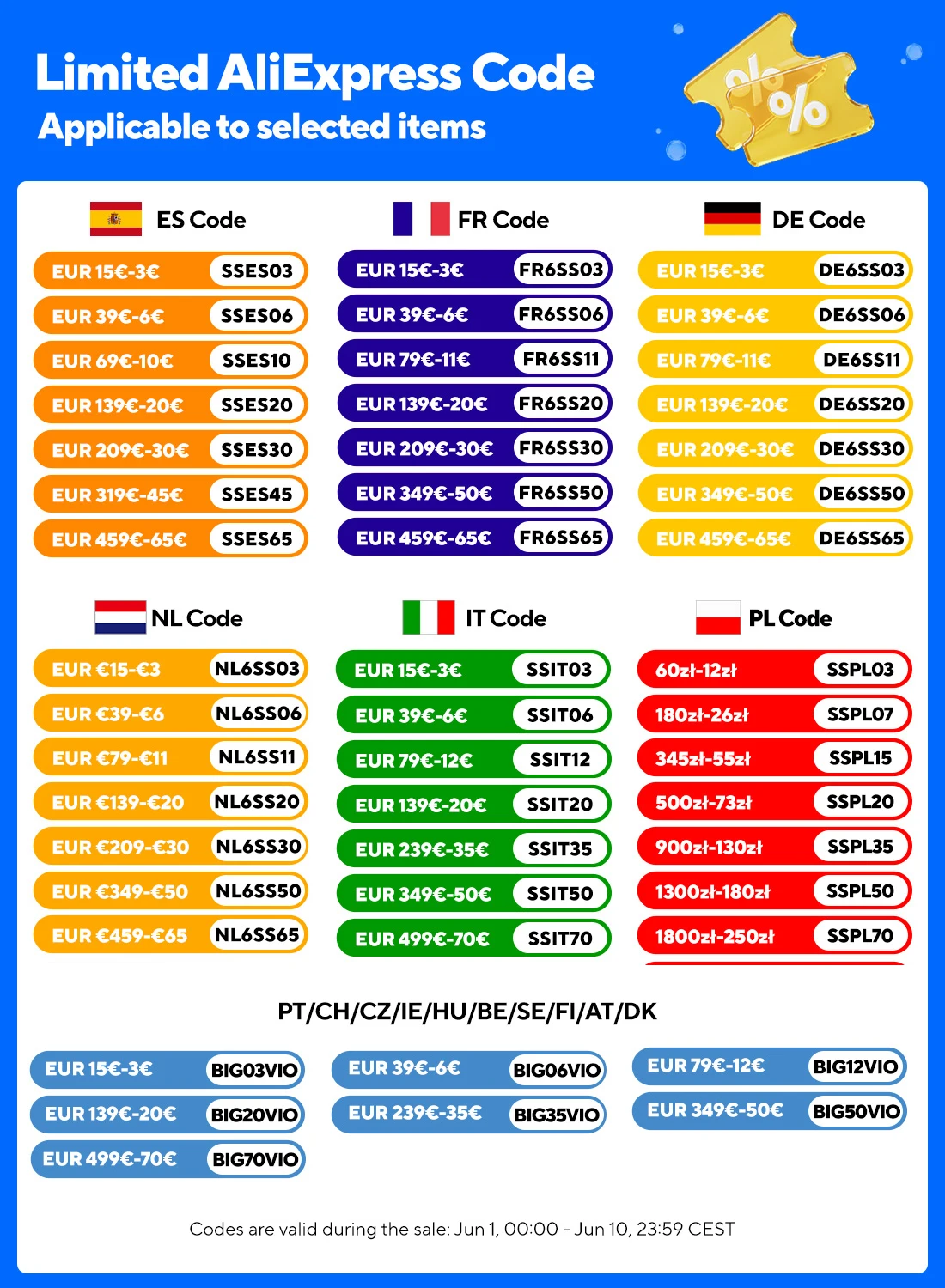
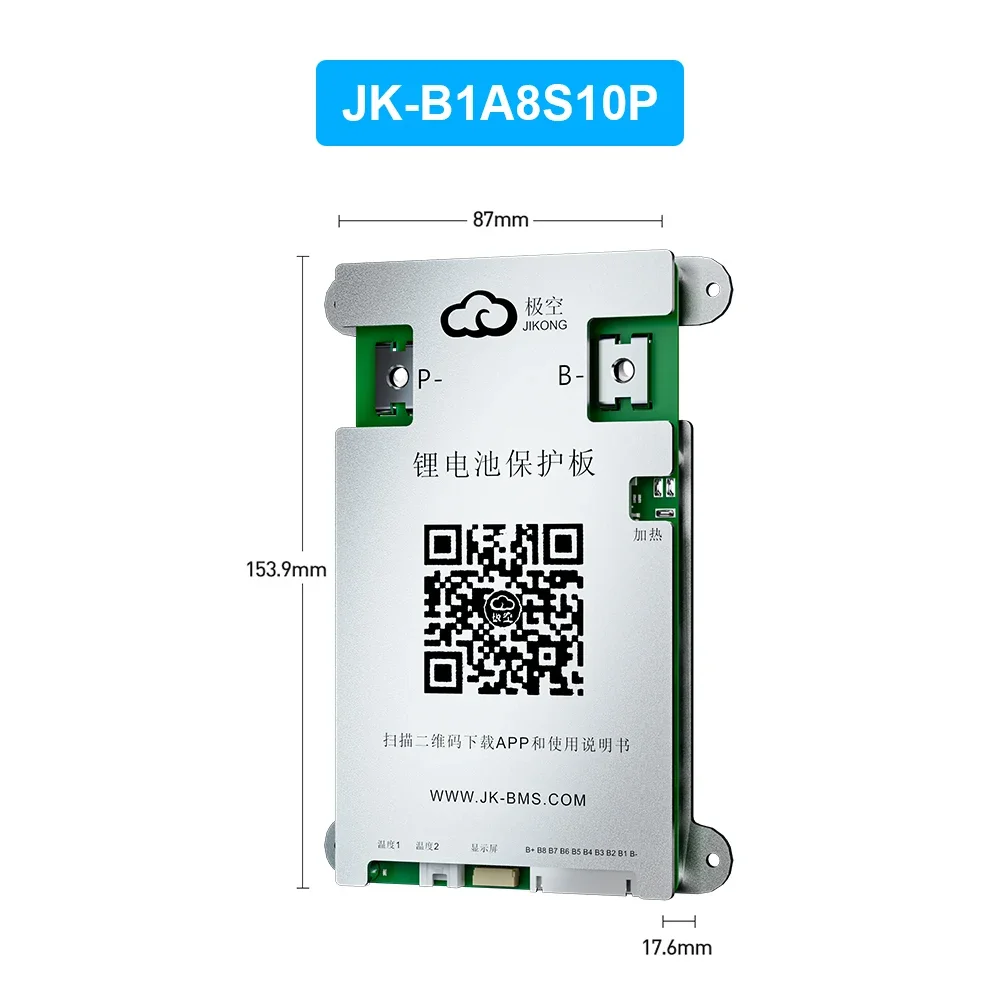
JIKONG Smart 8S BMS 4S~8S 1A~2A Balance Current Active Balance BMS Support Discharge 100A 200A 300A Lifepo4 Li-Ion Lto JK BMS
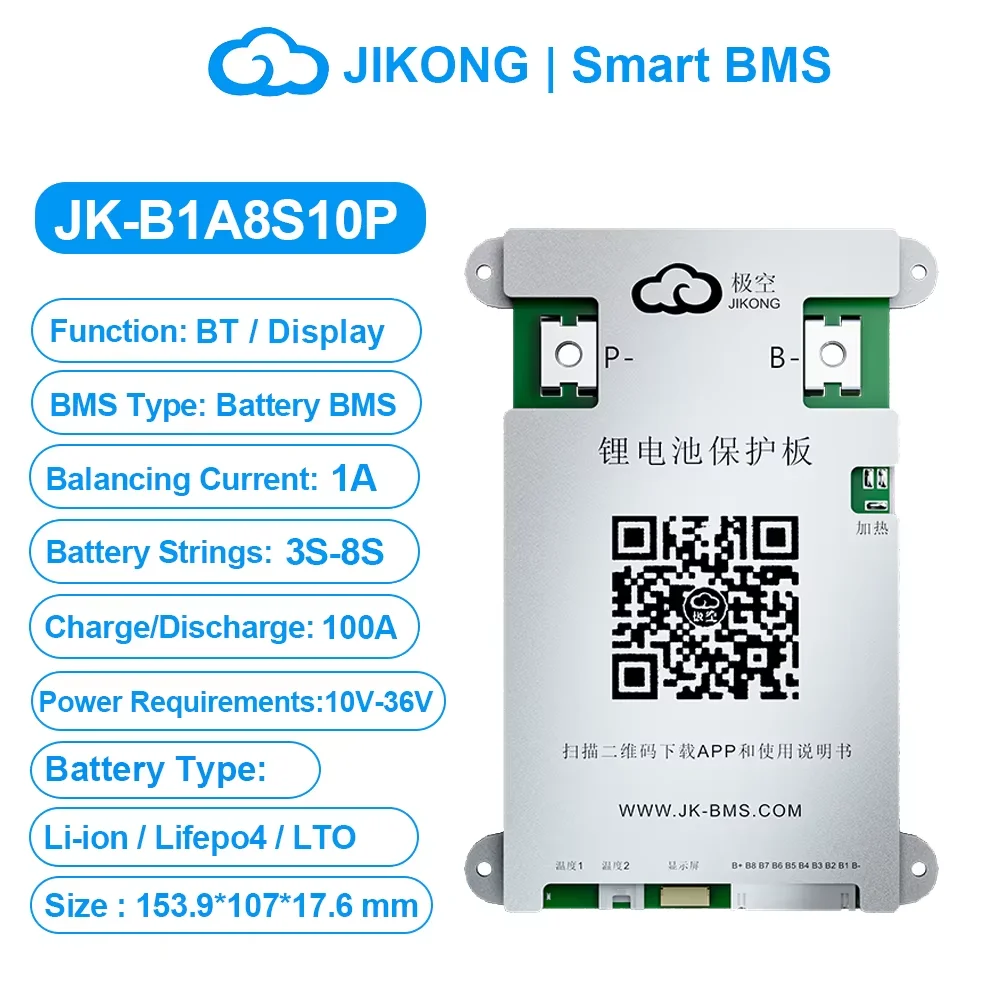
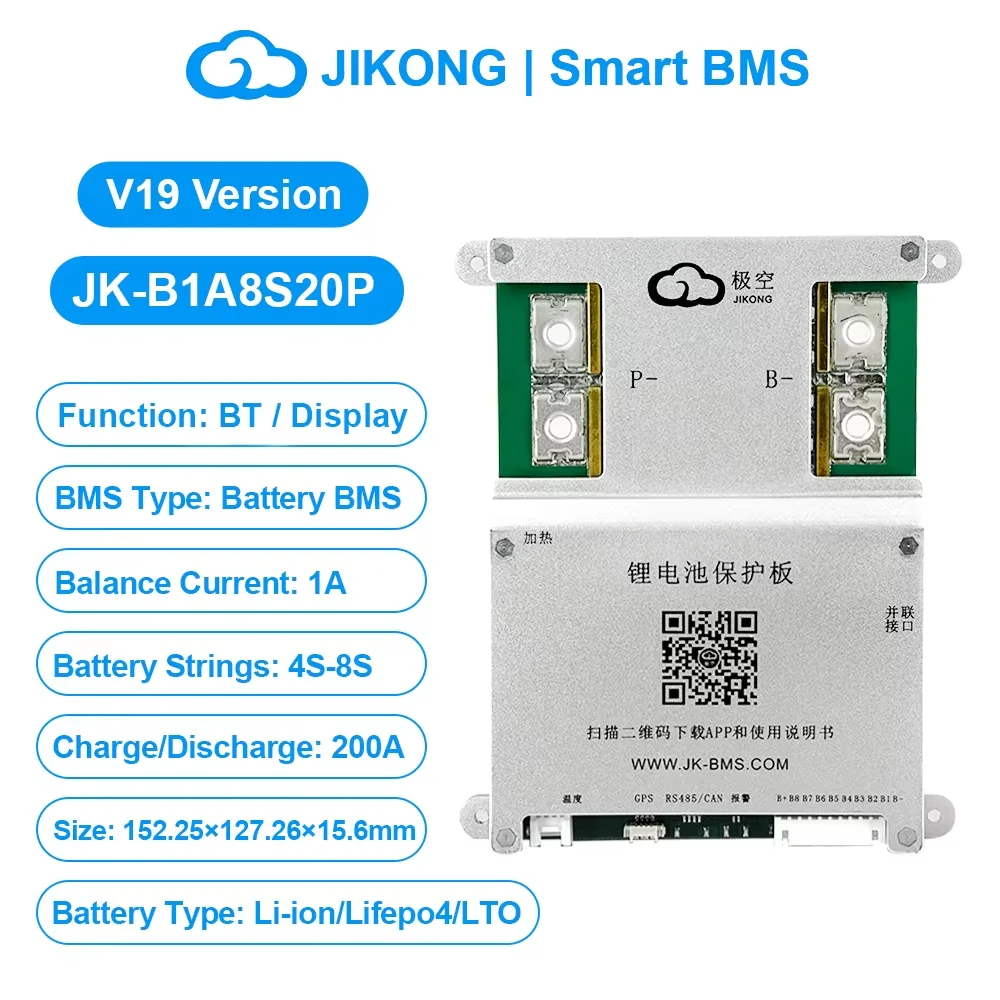
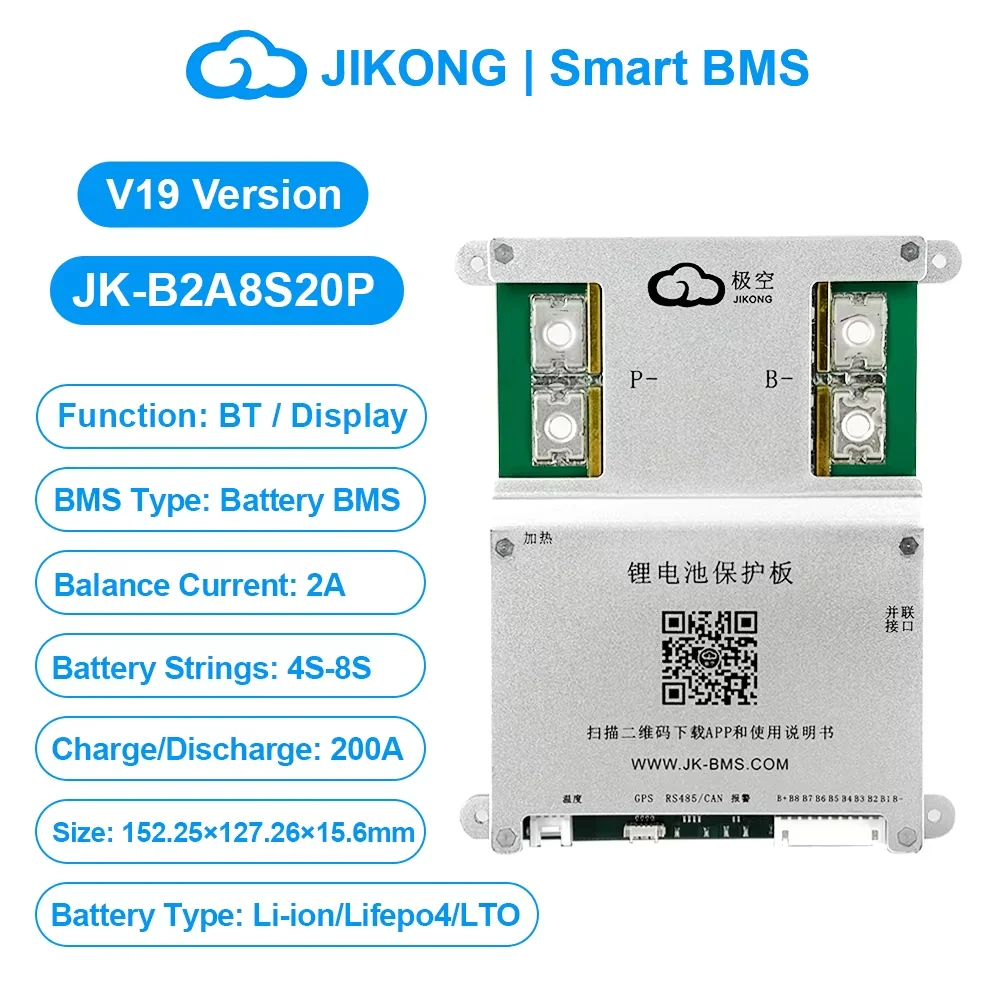
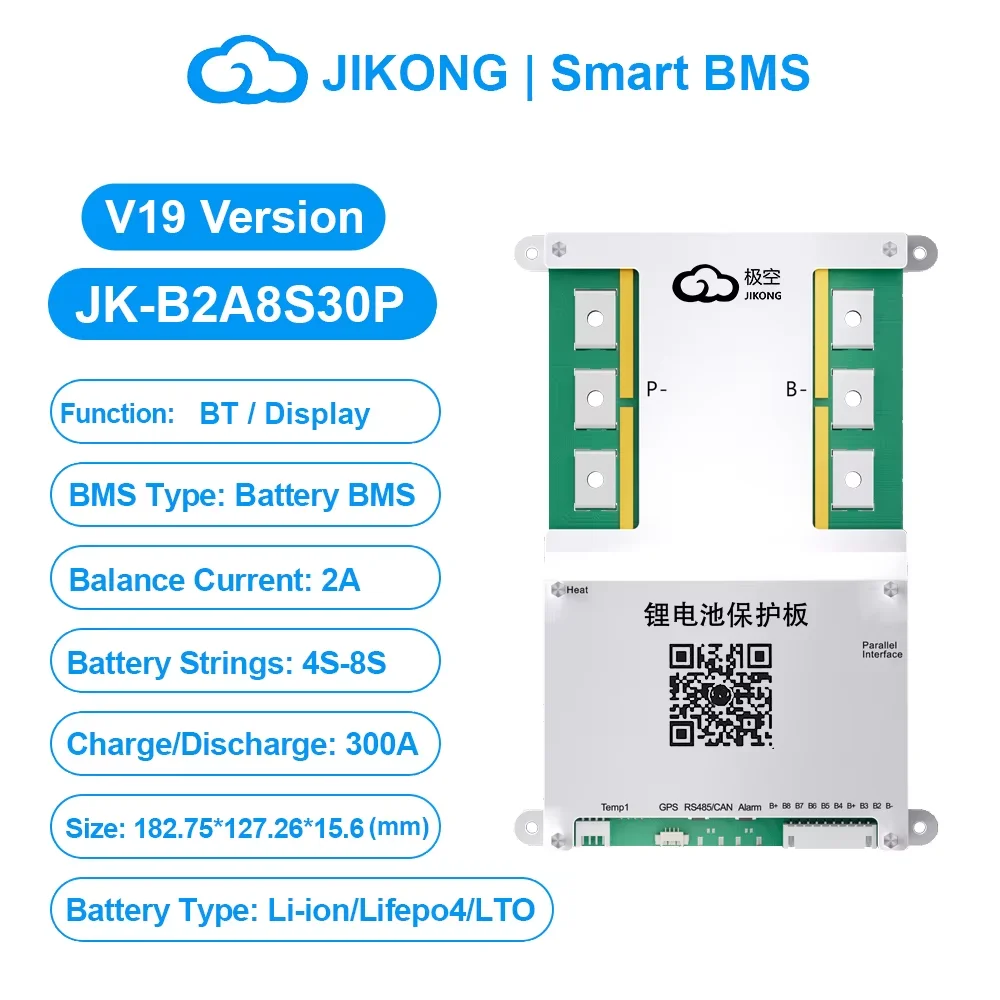
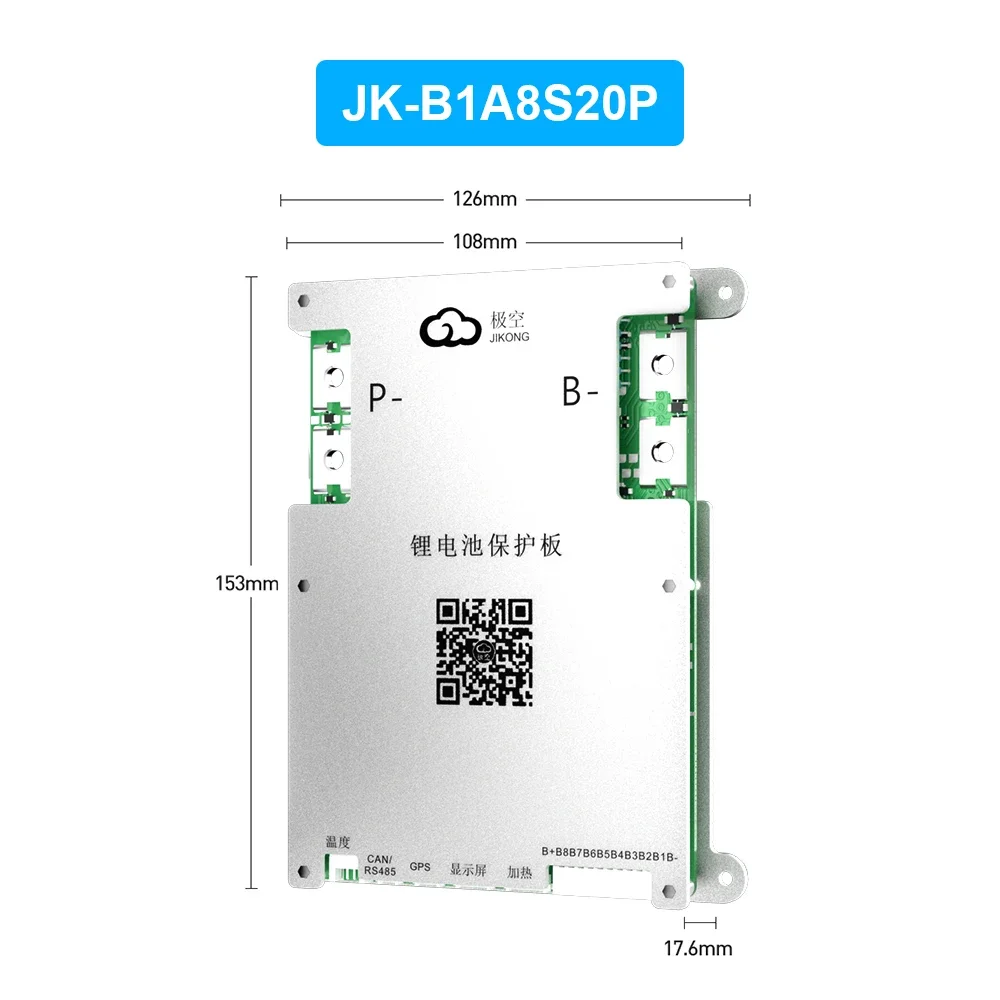
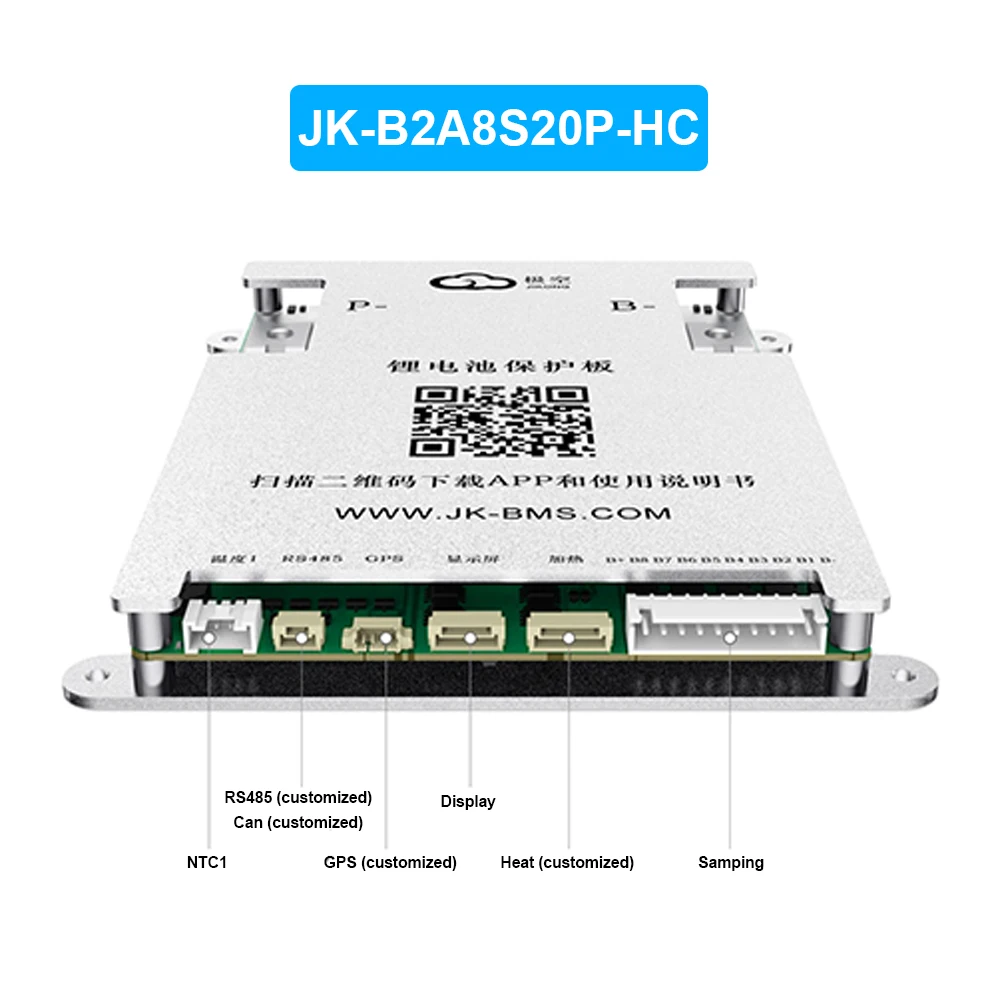
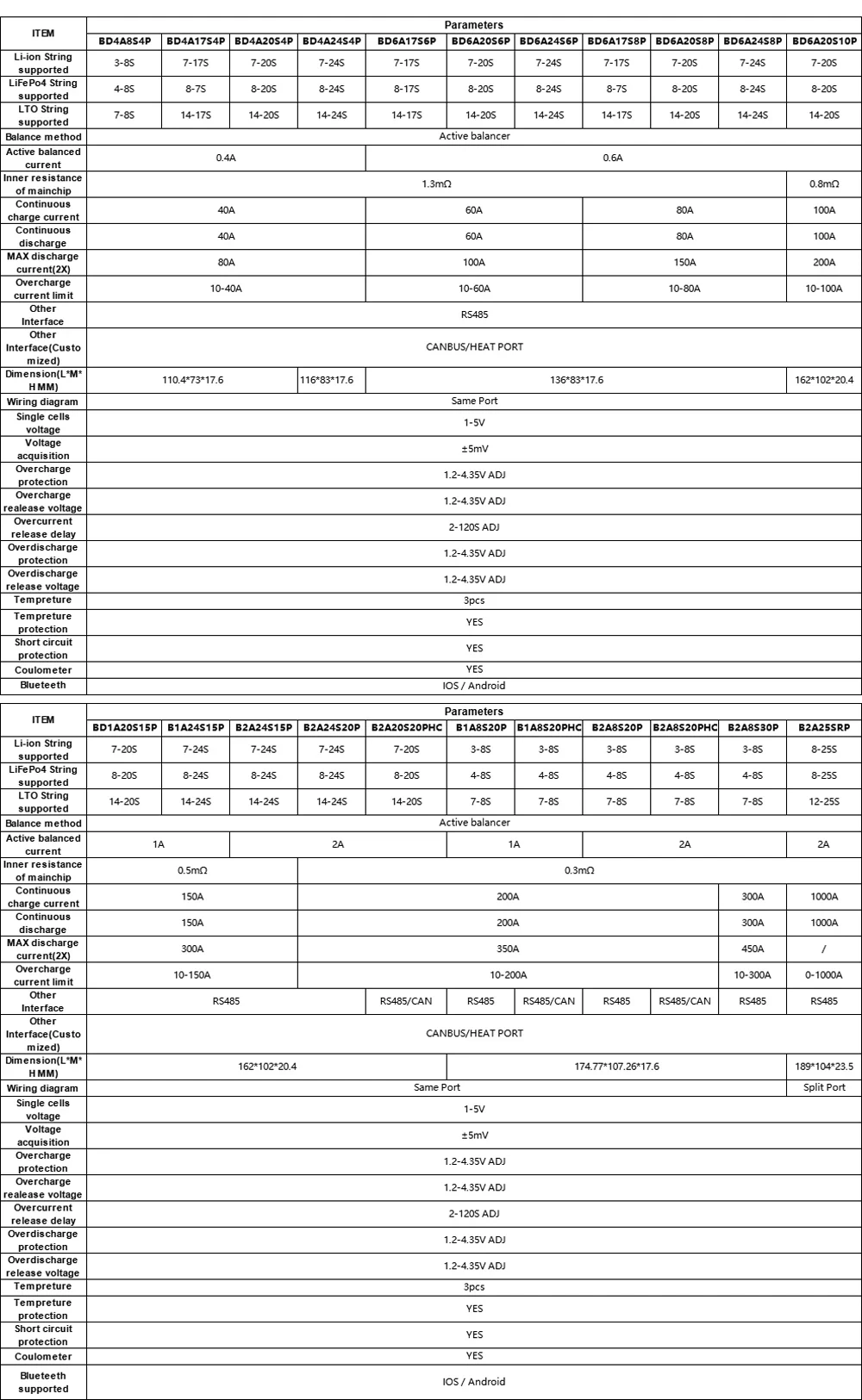
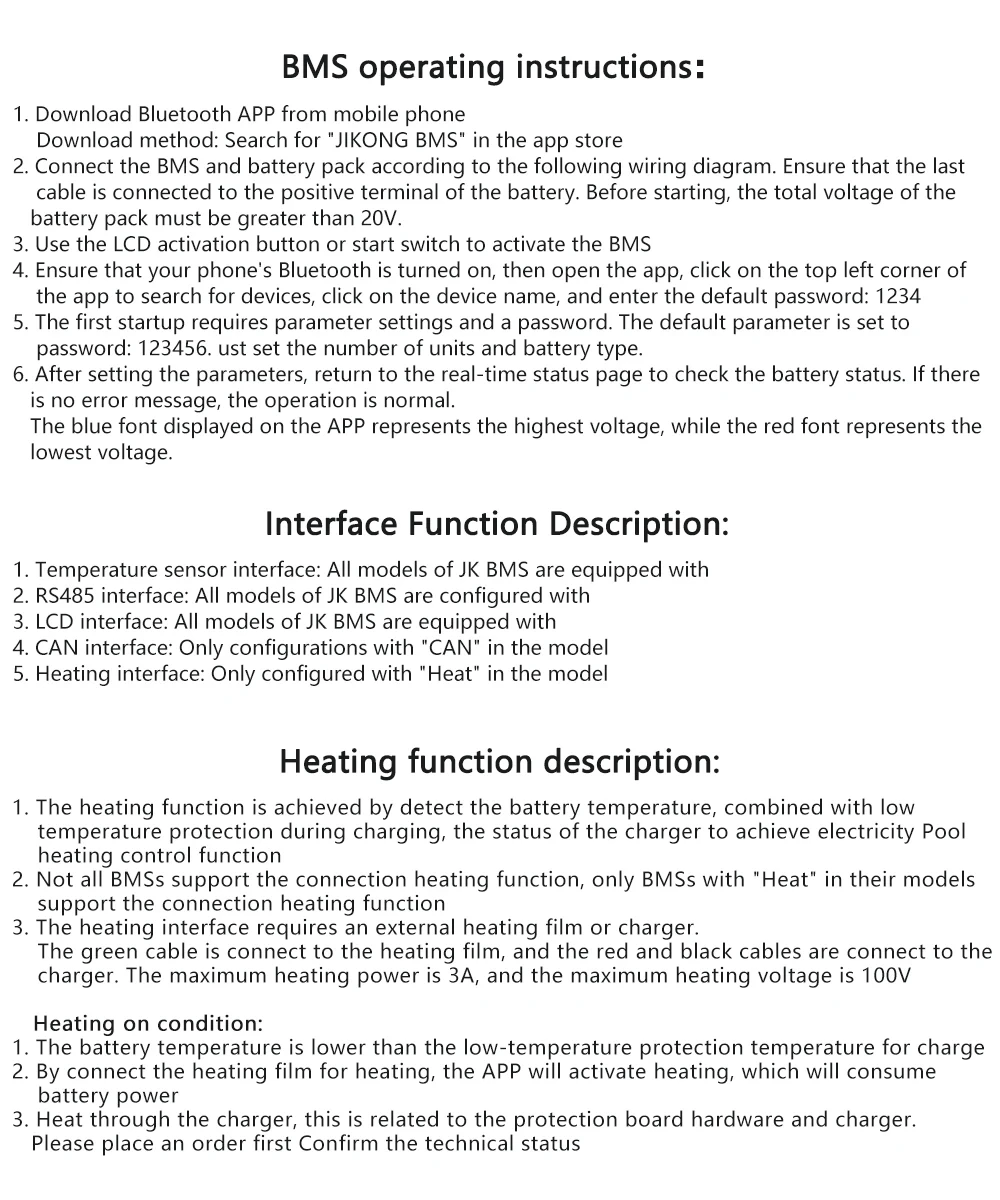
Use Manual
1. Download app and manual
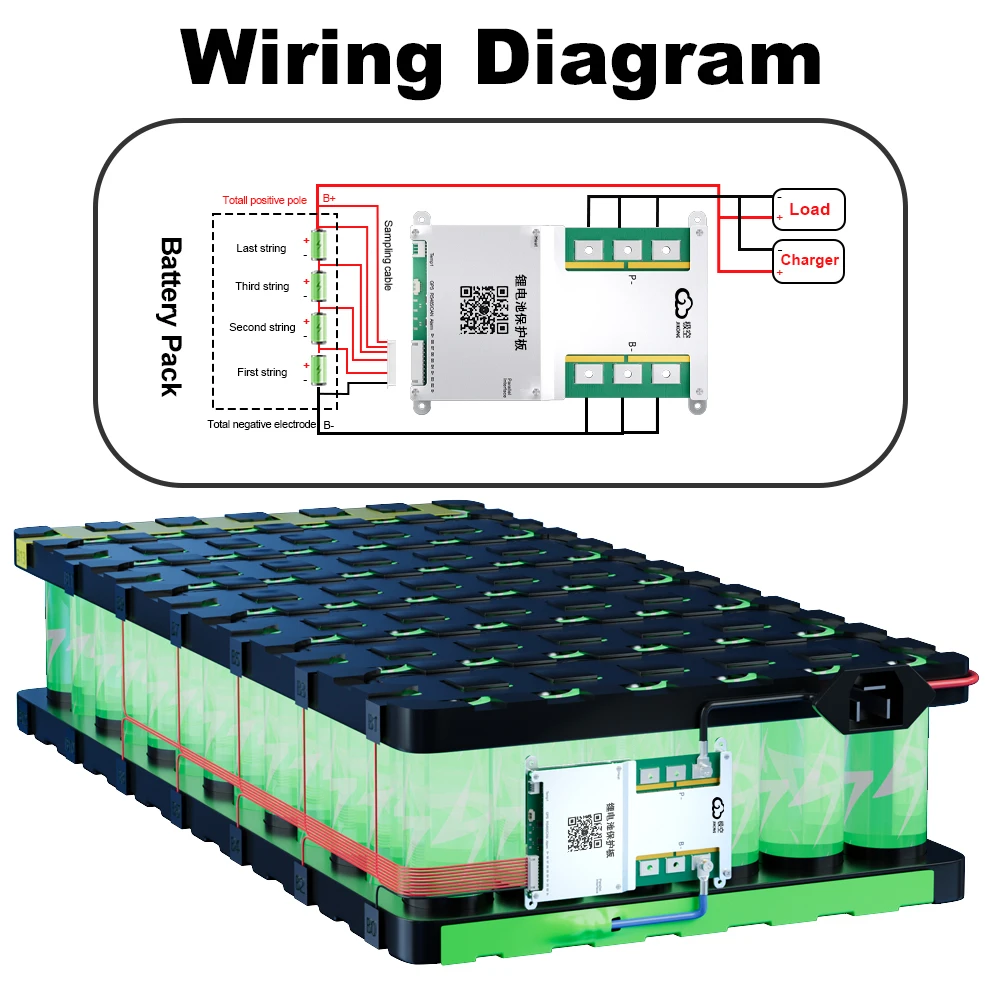
2. Hardware connection
3. Startup
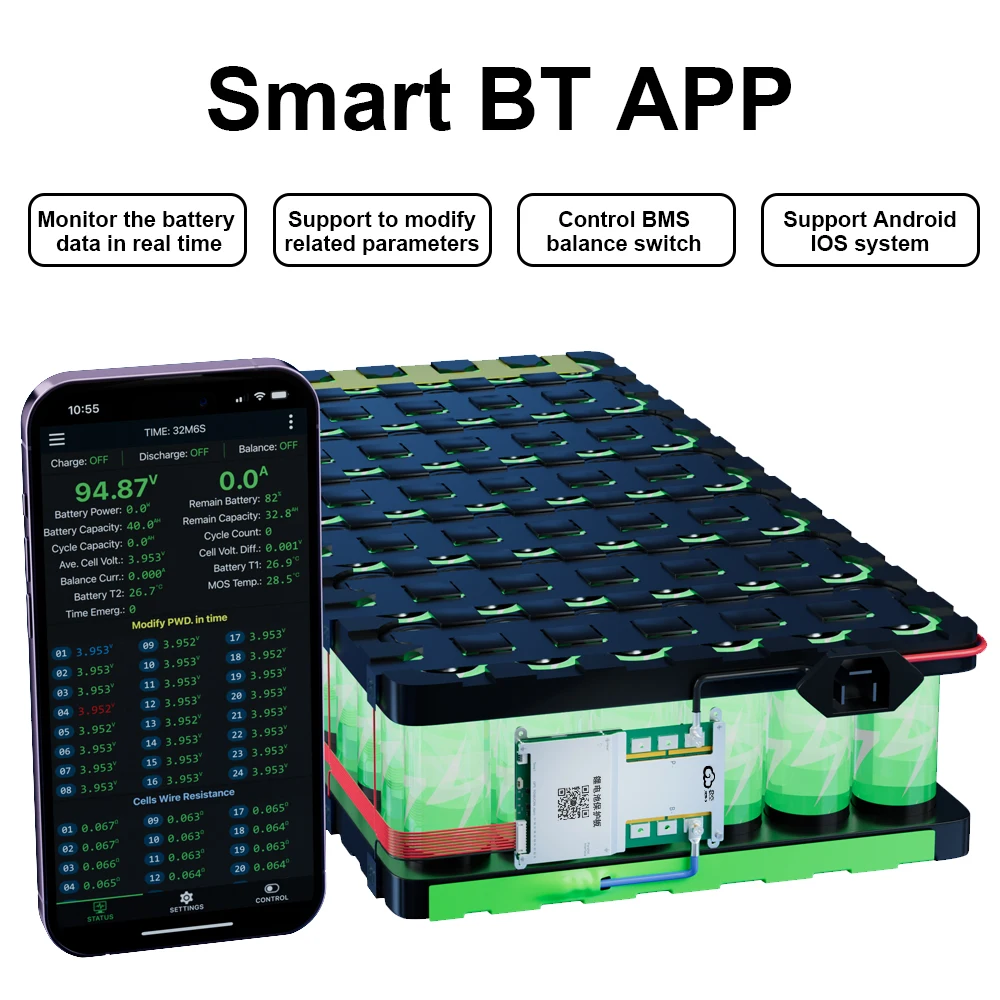
4. Open the app and connect the device
5. Set the number of strings and battery type
6. Check the battery status
Download link-IOS: Search (JIKONG BMS) in the APP STORE
Download link-Andriod : Search (JK BMS) in the Google STORE
Instructions: https://github.com/JIKBMS/files/tree/main
BMS protocol: https://github.com/syssi/esphome-jk-bms
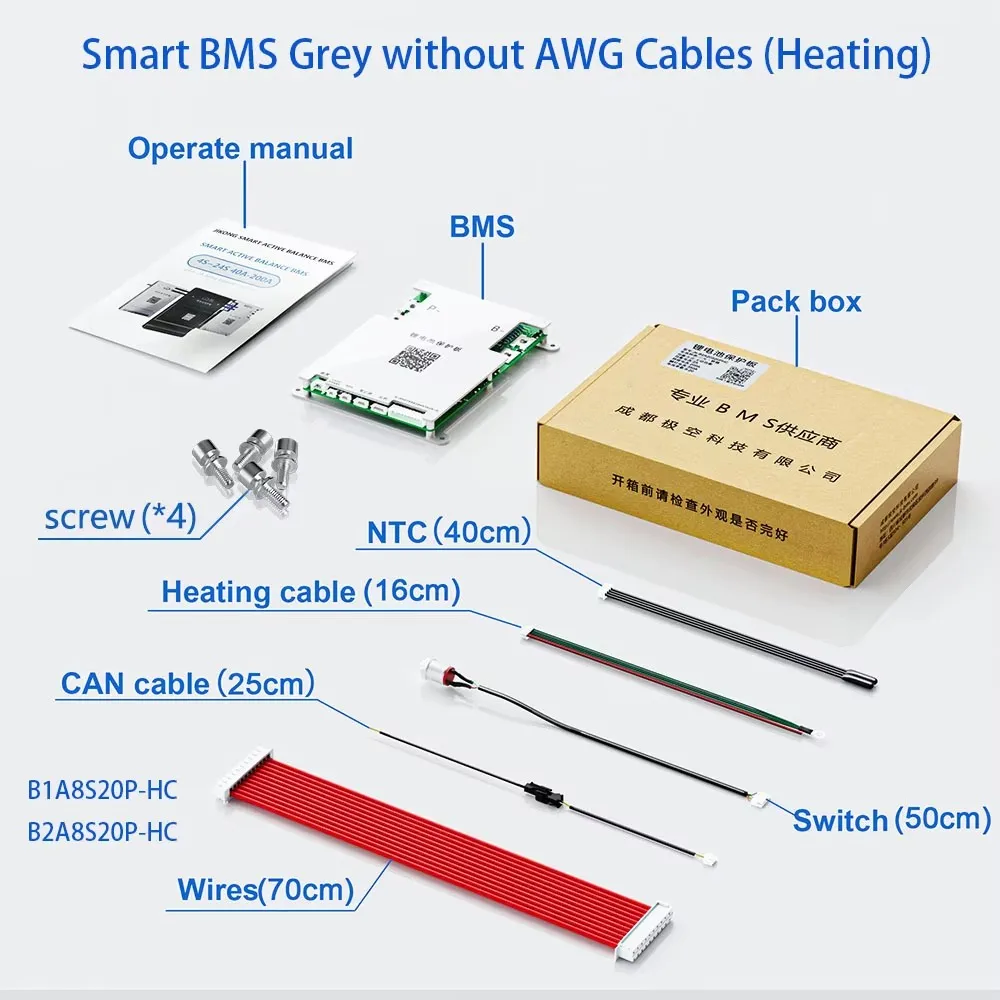
(1) Connect the protection board and battery pack according to the
following wiring diagram,Make sure that the last power cord is also
Connected to the main positive pole,The total voltage of the battery
pack must be greater than 20V(Default BMS)/10V(4S BMS) before
tarting up.
(2) Use the display activation button or additional switch to activate the
BMS.
(3) Turn on GPS and Bluetooth on your mobile phone.
(4) Make sure your mobile Bluetooth is turned on, then turn on APP
click on the top left corner of APP to search for devices, and click on
the device name to connect to the default password: 1234.
(5) Parameters need to be set for the first start-up Setting requires a
password, The default parameter is set to password 123456,Simply
set the number of units and battery type.
(6) Once the parameters are set, go back to the real-time status page,
check the battery status, no error message is prompted and normal
operation,blue is the highest voltage, red is the lowest voltage.
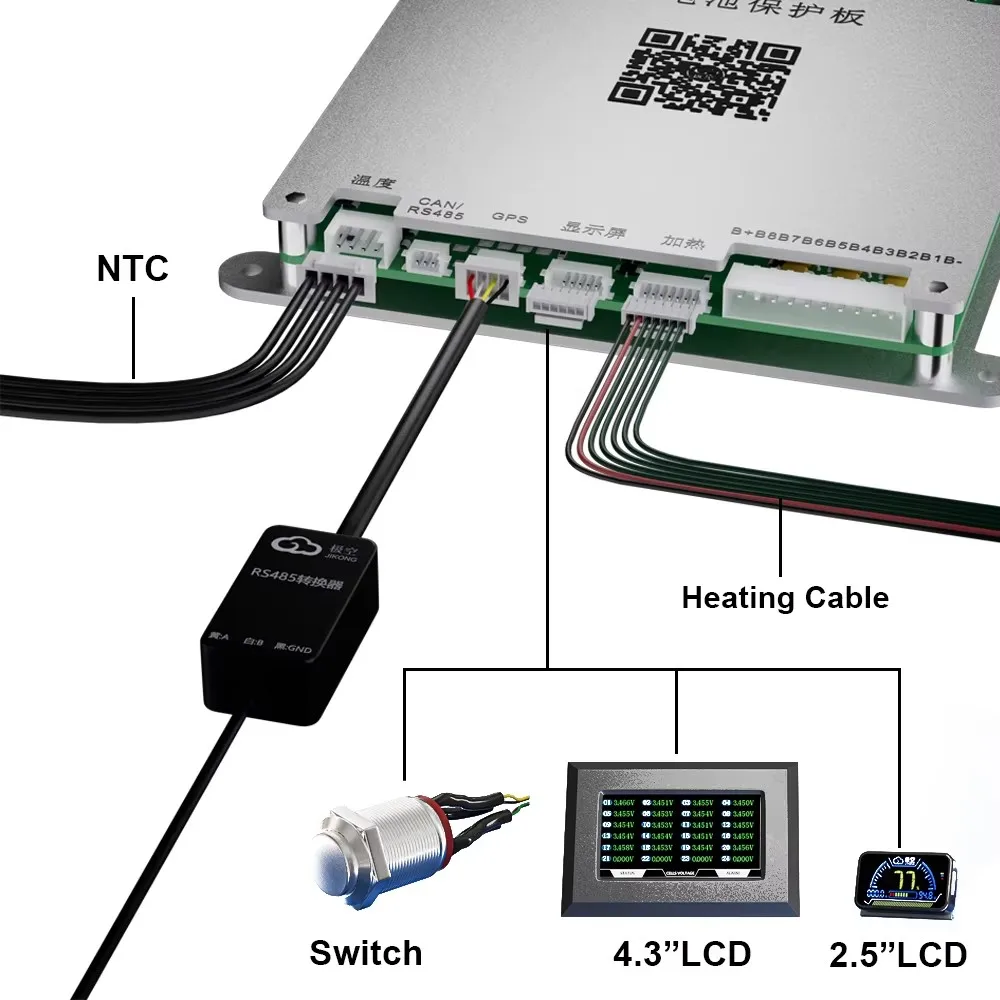
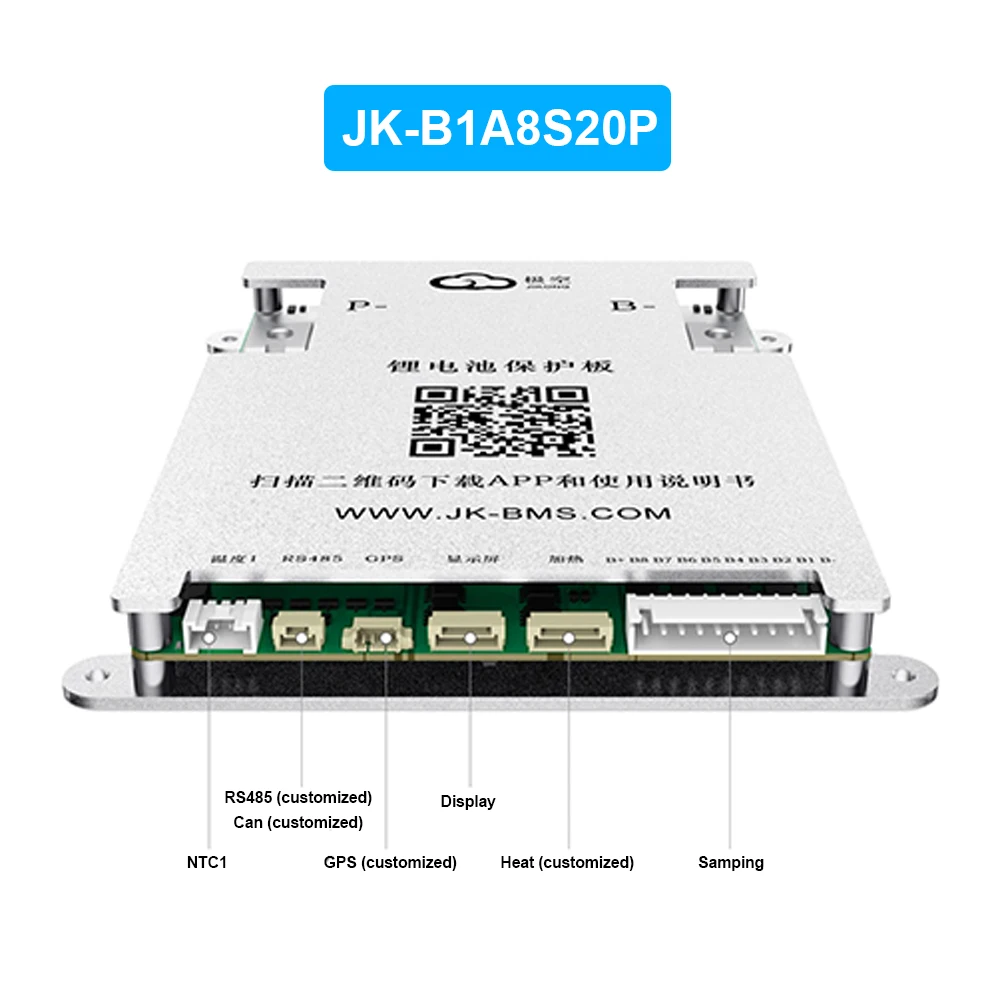
1. Temperature sensor interface: All models of JKBMS are equipped with
2. RS485 interface: All models of JK BMS are configured with
3. LCD interface: All models of JK BMS are equipped with
4. CAN interface: Only configurations with"CAN"in the model
5. Heating interface: Only configured with"Heat" in the model
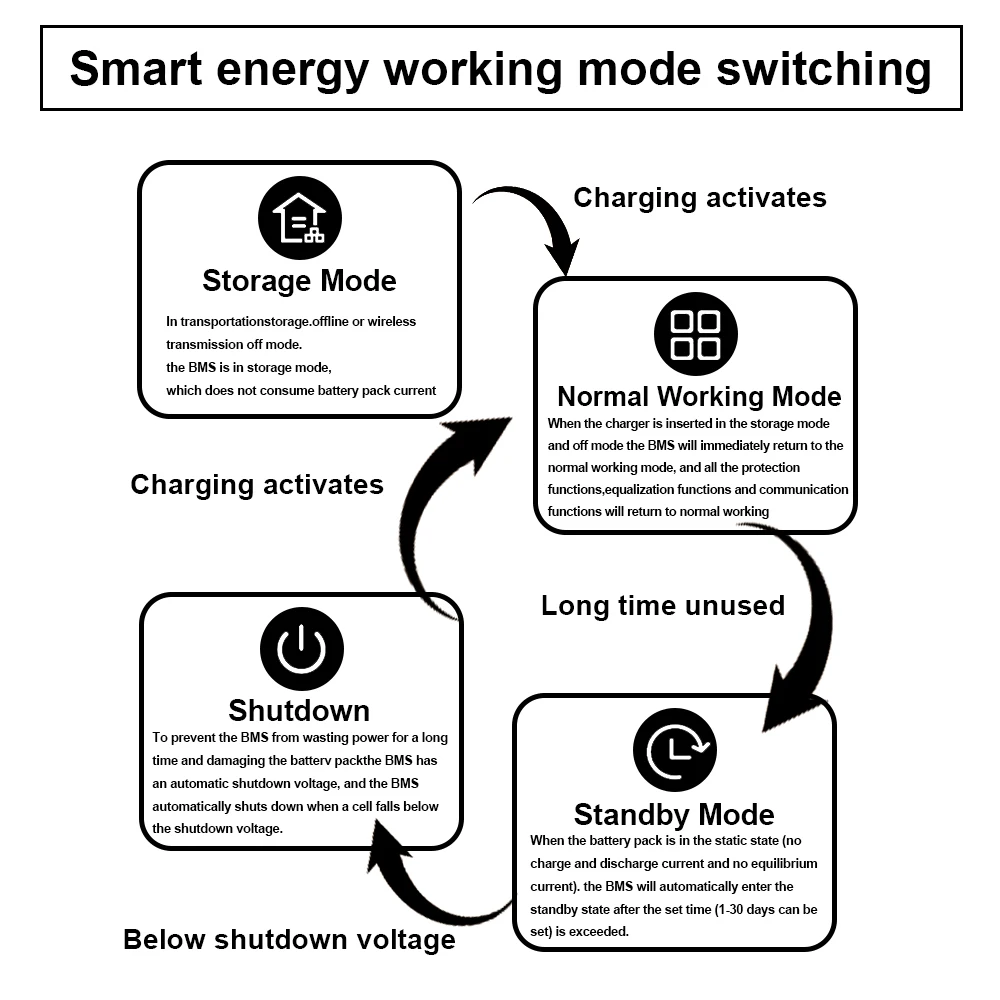
1. The heating function is achieved by detect the battery temperature,combined with low
temperature protection during charging,the status of the charger to achieve electricity Poolheating control function.
2. Not all BMSs support the connection heating function, only BMSs with "Heat" in their models
support theconnectionheating function
3. The heating interface requires an externalheatingfilm or charger.
The green cable is connect to the heating film, and the red and black cables are connect to thecharger. The maximum heating power is 3A, and the maximum heating voltage is 100V
1. Thebattery temperature islowerthanthelow-temperatureprotection temperaturefor charge
2. By connect the heating film for heating, the APP will activate heating, which will consume battery power.
3. Heat through the charger,this is related to the protection board hardware and charger.
Please place anorder first Confirm the technical status.
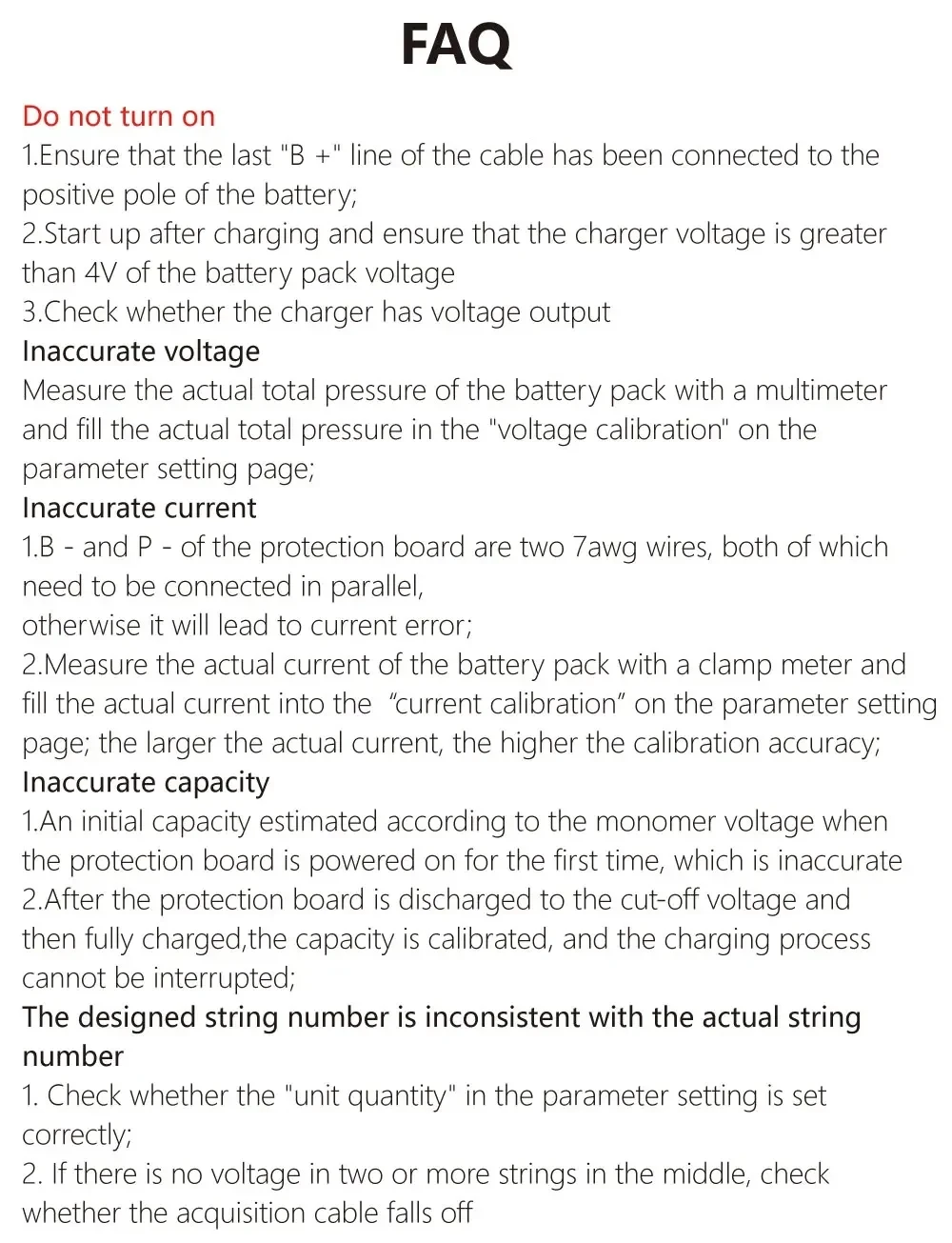
FAQ
Do not turn on
1. Ensure that the last“B+*line of the cable hasbeen connected to the
positive pole of the battery;
2. Start up after charging and ensure that the charger voltage is greater
than 4V of thebatterypackvoltage;
3. Check whether the charger has voltage output.
Inaccurate voltage
Measure the actual total pressure of the battery pack with a multimeter
and fill the actual total pressure in the "voltage calibration" on the
parameter setting page.
Inaccurate current
1. B - and P - of the protection board are two 7awg wires, both of which
need to be connected in parallel,otherwise it will lead to current error;
2. Measure the actual current of the battery pack with a clamp meter and
fill the actual current into the "current calibration" on the parameter setting
page; the larger the actual current, the higher the calibration accuracy;
Inaccurate capacity
1. An initial capacity estimated according to the monomer voltage when
the protection board is powered on for the first time, which is inaccurate
2. After the protection board is discharged to the cut-off voltage and
then fully charged,the capacity is calibrated, and the charging process
cannot be interrupted.
The designed string number is inconsistent with the actual string
number
1. Check whether the "unit quantity" in the parameter setting is set
correctly;
2. If there is no voltage in two or more strings in the middle, check
whether the acquisition cable falls off.
Electrónica
$98.17
Envío gratis
Electrónica
$211.28
Envío gratis
Electrónica
$57.34
Envío gratis
Electrónica
$159.82
Envío gratisAún no hay reseñas. Si compraste este producto, deja la primera.
Inicia sesión para dejar una reseña si ya compraste este producto.