Consumer Electronics
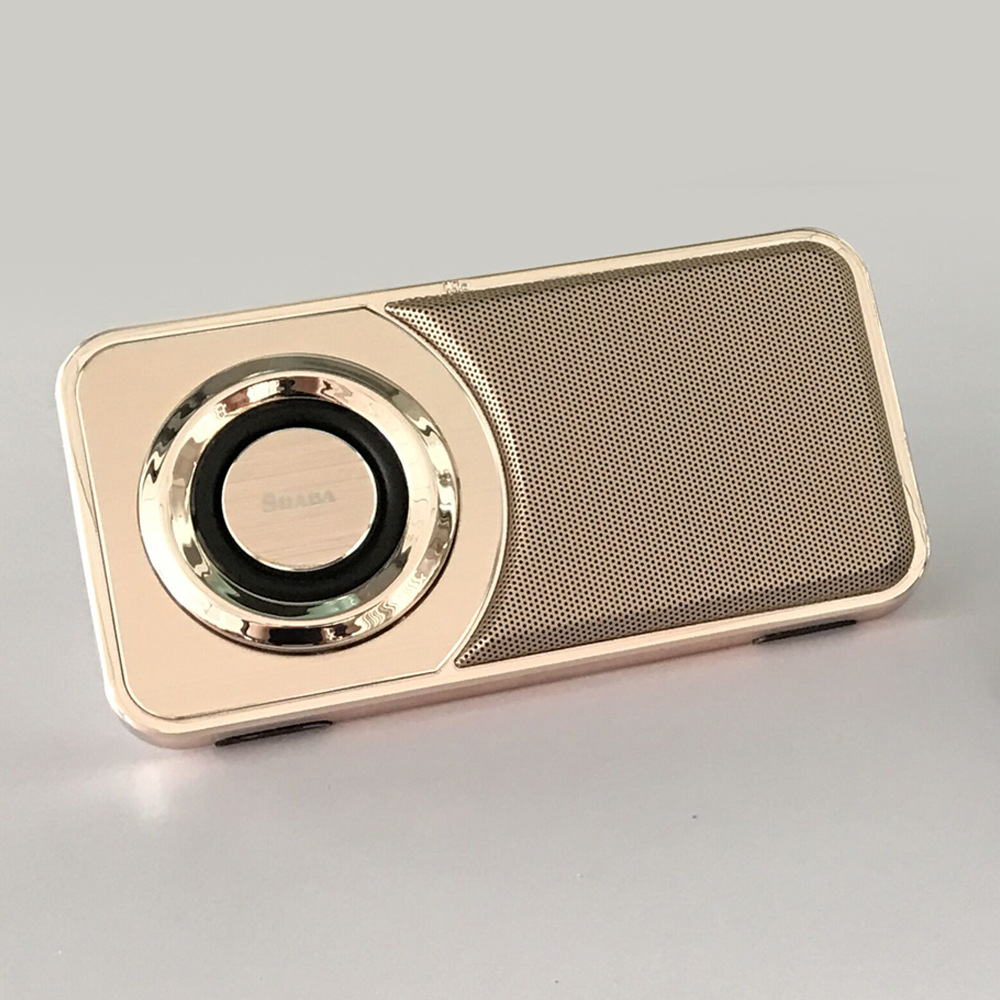
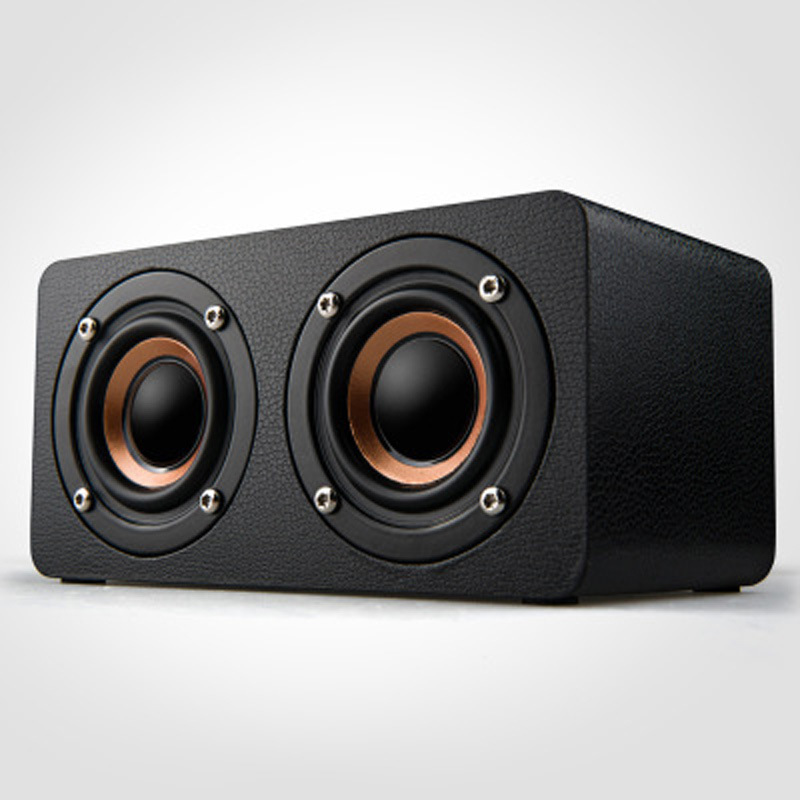
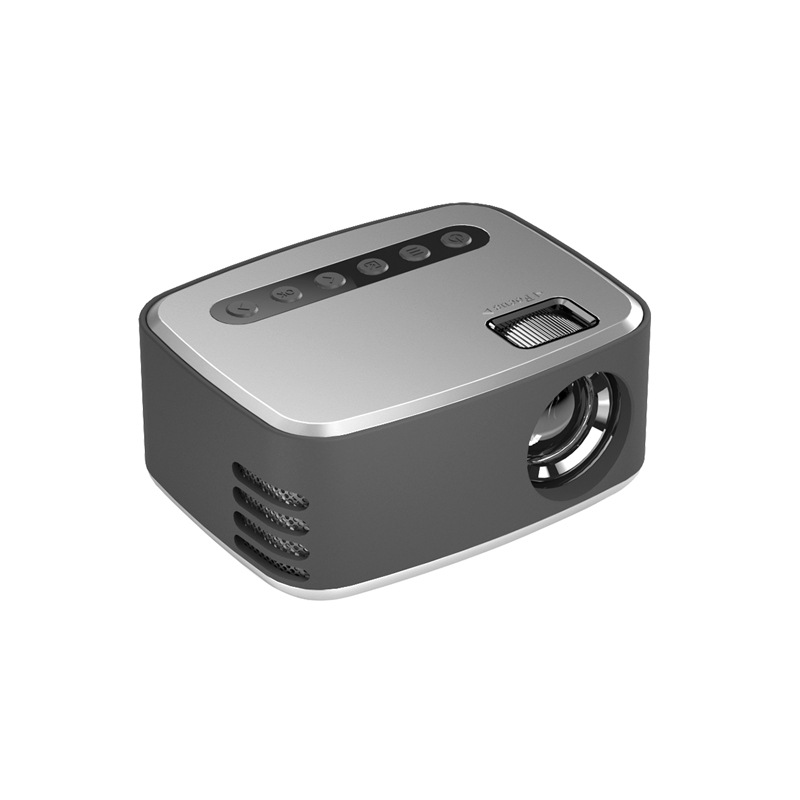
Mini Portable Small Speaker Speaker Electronic Gift Retro Bluetooth Speaker
Envío Internacional5-11 días$16.89
+ $10.34 envío estimado

Wearable Devices
Stock Disponible: 13797 unidades
SKU: CJXFZNKC00061
$15.02
Precio final con envíoEl impuesto, si aplica, se confirma en el checkout según tu dirección. Aquí ves producto, fee y envío.
Envío EE.UU.: USPS / UPS Ground.
Costo Visible: Sin sorpresas ocultas.
Tracking Real: Alertas por SMS/Email.
Pago Seguro: Cifrado por Stripe.
Sin sorpresas ni comisiones ocultas antes de pagar.
Te notificamos cada cambio de estado automáticamente.
Enlace oficial con número de guía verificado.
Política transparente de ajuste de precios y gestión de cambios.
| Material | Plastic |
|---|---|
| Atributos del producto | Común |
| Tamaño del paquete | 100×120×50 mm |
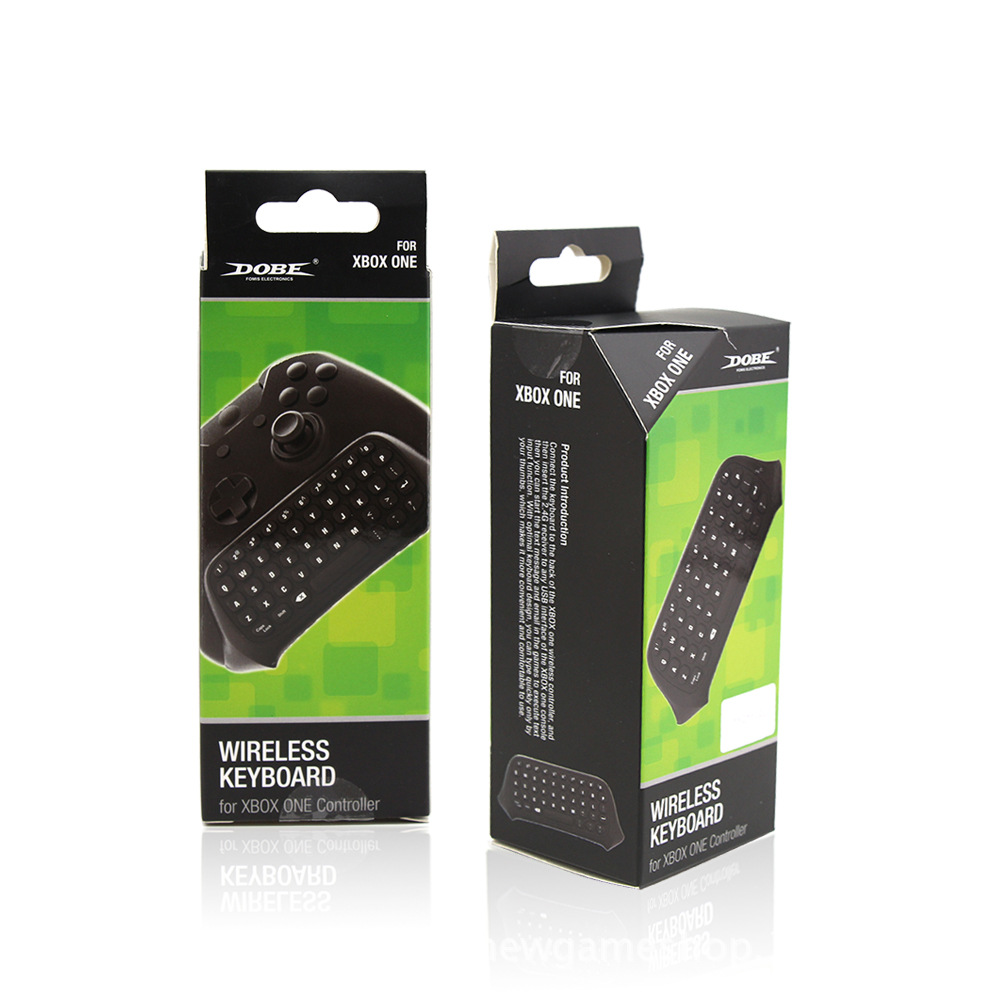
1. Connect the XBOX one host power supply first, then connect the HDMI cable to the display device and turn on the XBOX one host power supply. The corresponding power indicator lights up.
2. Connect the Xbox_one handle to the XBOX one host (do not understand the manual)
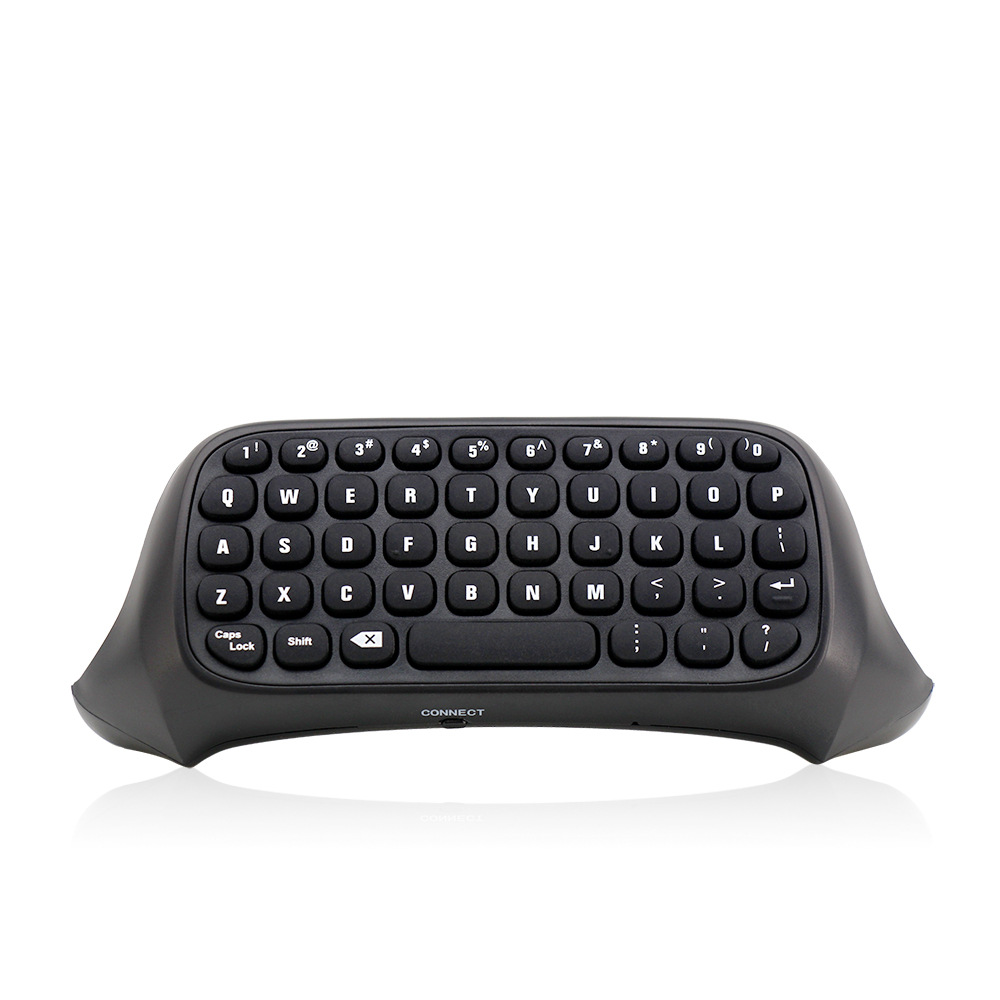
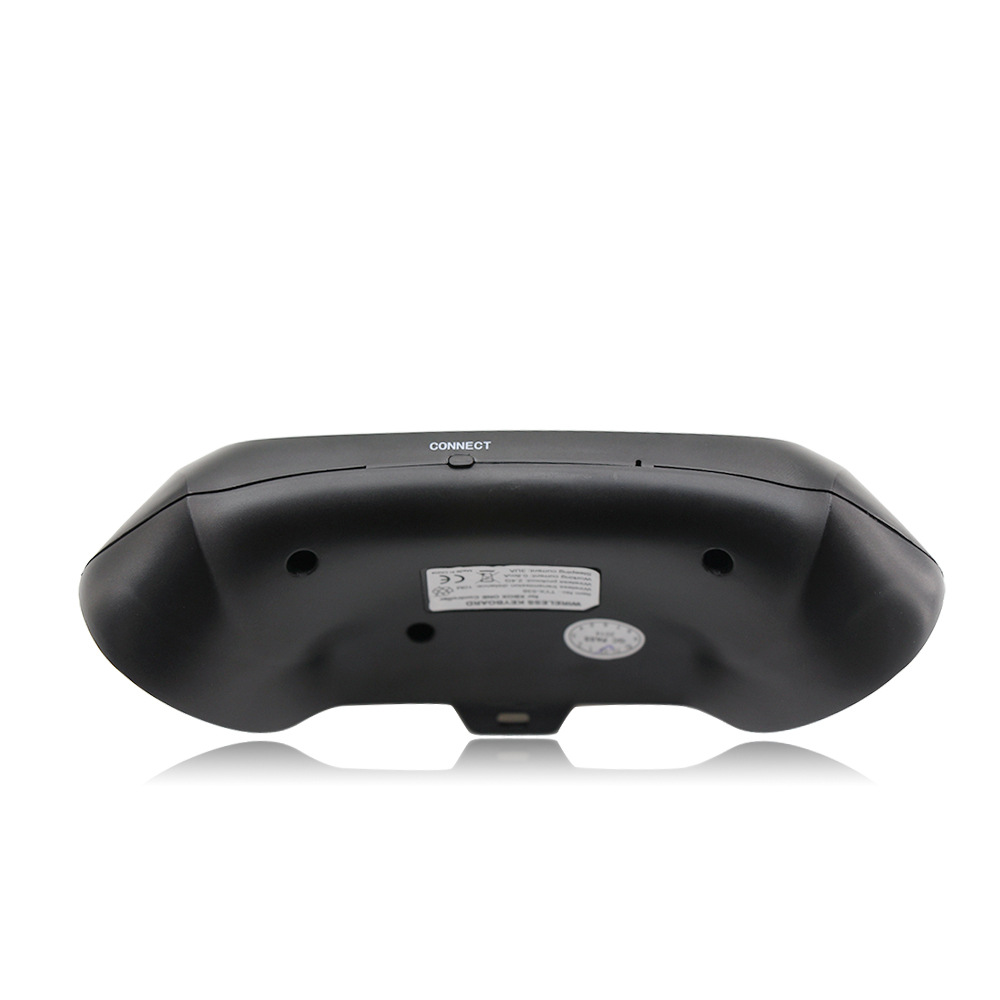
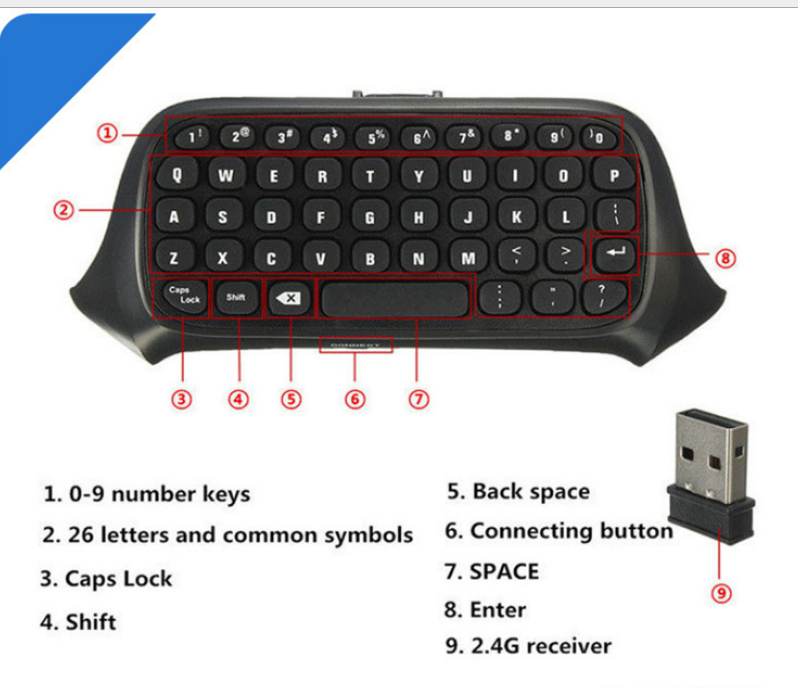
3. Align the two connecting posts of the keyboard with the holes of the controller, align the XBOX ONE headphone head with the seat on the back of the wireless controller, and then gently push the keyboard to the controller until it is stuck. .
4. When the controller of the controller is connected, press the code button on the back of the XBOX one keyboard. The blue light of the XBOX one keyboard will be bright. At this point, the 2.4G receiver of the distribution is plugged into any USB port of the XBOX one host, and the XBOX one keyboard can be automatically completed.
5. After the code is completed, the XBOX one blue code light will be off, which means that the XBOX one keyboard can work normally. (If there is no code success, the blue pair of lights will turn off automatically for 12 seconds, indicating that the XBOX one keyboard enters the sleep power saving mode)
6. The XBOX one keyboard and the 2.4G receiver only need to be coded once, and the subsequent use only needs to open the host wake-up handle to be automatically connected and used directly.
7, XBOX one handle sleep, this product will also go to sleep. Press the “” button on the XBOX one handle to wake up the handle and keyboard.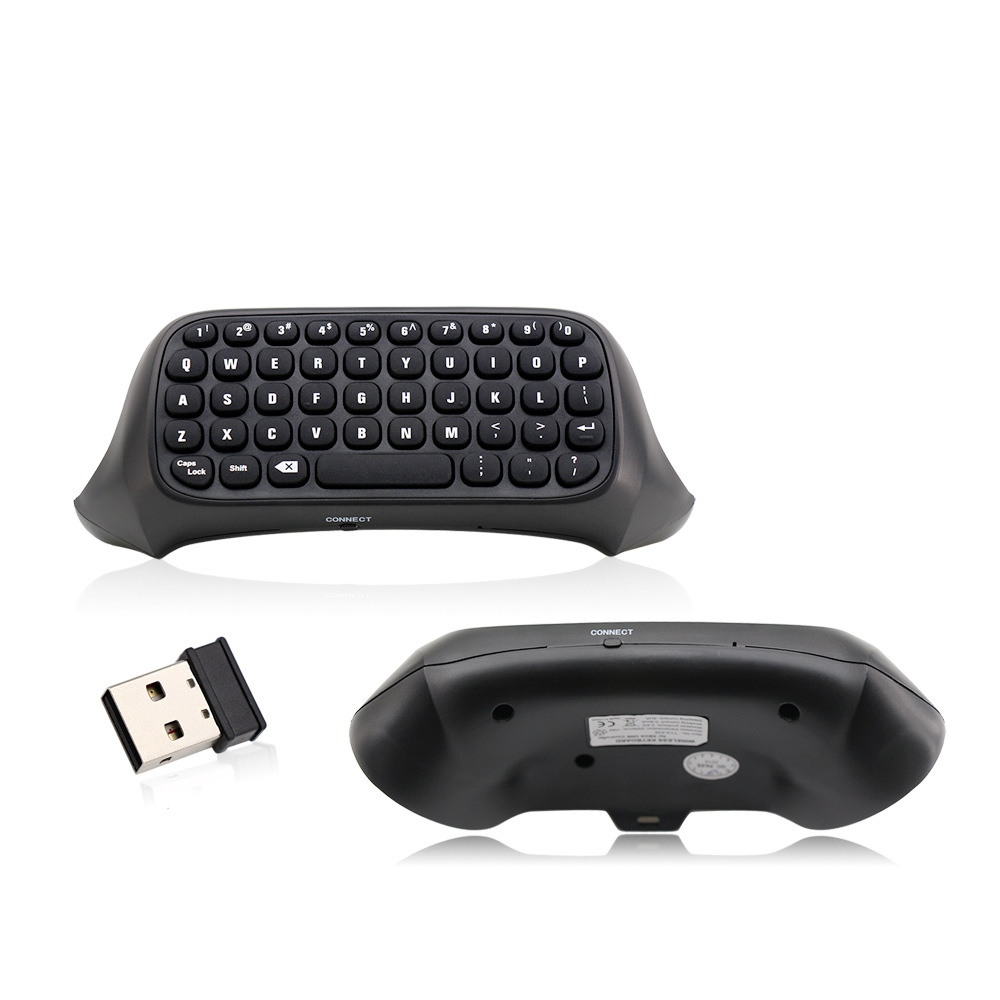
Consumer Electronics
$16.89
+ $10.34 envío estimado
Consumer Electronics
$14.98
+ $7.00 envío estimado
Consumer Electronics
$42.26
+ $12.40 envío estimado
Consumer Electronics
$34.01
+ $10.22 envío estimado
Aún no hay reseñas. Si compraste este producto, deja la primera.
Inicia sesión para dejar una reseña si ya compraste este producto.