Envío Internacional

2107

Magcubic Native 1080P 650ANSI 8K Android14 L018 Projector With Auto Keystone Correction Focus Wifi6 BT5.4 Portable Movie Outdoor

Stock Disponible: 8204 unidades

SKU: 3256808047946419

Cantidad
1

$126.67

Precio final con envío
Envío gratis

Desglose de costo

Precio del producto
$123.12
Fee de Servicio MiCyberCompras
$3.55
Costo de envío estimado
Gratis
Costo Final Garantizado:
$126.67

El impuesto, si aplica, se confirma en el checkout según tu dirección. Aquí ves producto, fee y envío.

  • Envío EE.UU.: USPS / UPS Ground.

  • Costo Visible: Sin sorpresas ocultas.

  • Tracking Real: Alertas por SMS/Email.

  • Pago Seguro: Cifrado por Stripe.

¿Por qué elegir MiCyberCompras?

Atributos del productoBrand Name: Magcubic, Light source operating life: 30000 hours, Voltage range: Low voltage non-USB (below 75V DC, below 50V AC), Function: Video Playback, Control Method: Others, Category: Projectors, Battery: no, Display Size: ≤13.5, Power Source: Ac, Keystone Correction: Auto Correction, Power Source: Ac, High-concerned chemical: none, Origin: Mainland China, Inbox adaptor: Yes, Structure: Without display device, Projected Dimension: 30-300 inches, Weight: 1.8, Built-in Speaker: Yes, Portable: Yes, Optical Resolution: 1920x1080dpi, Contrast Ratio: 10,001:1-20,000:1, Bluetooth-compatible: Yes, Ansi Lumens: 650ANSI, Home Theater Projector: yes, Light Source: LED, Certification: CE, Use: Cinema Projector, Remote controller included: Yes, Type: Digital Projector, Screen Scale: 16:09, Input/Output: HDMI, Projection Technology: LCD, System: Android, Projective Mode: T4
Tamaño del paquete240×220×210 mm
Please note: A small number of Allwinner 713 chip projectors may send ouMagcubic 360° Removable Portable Projector

Full of movie theater at mosphere in one device
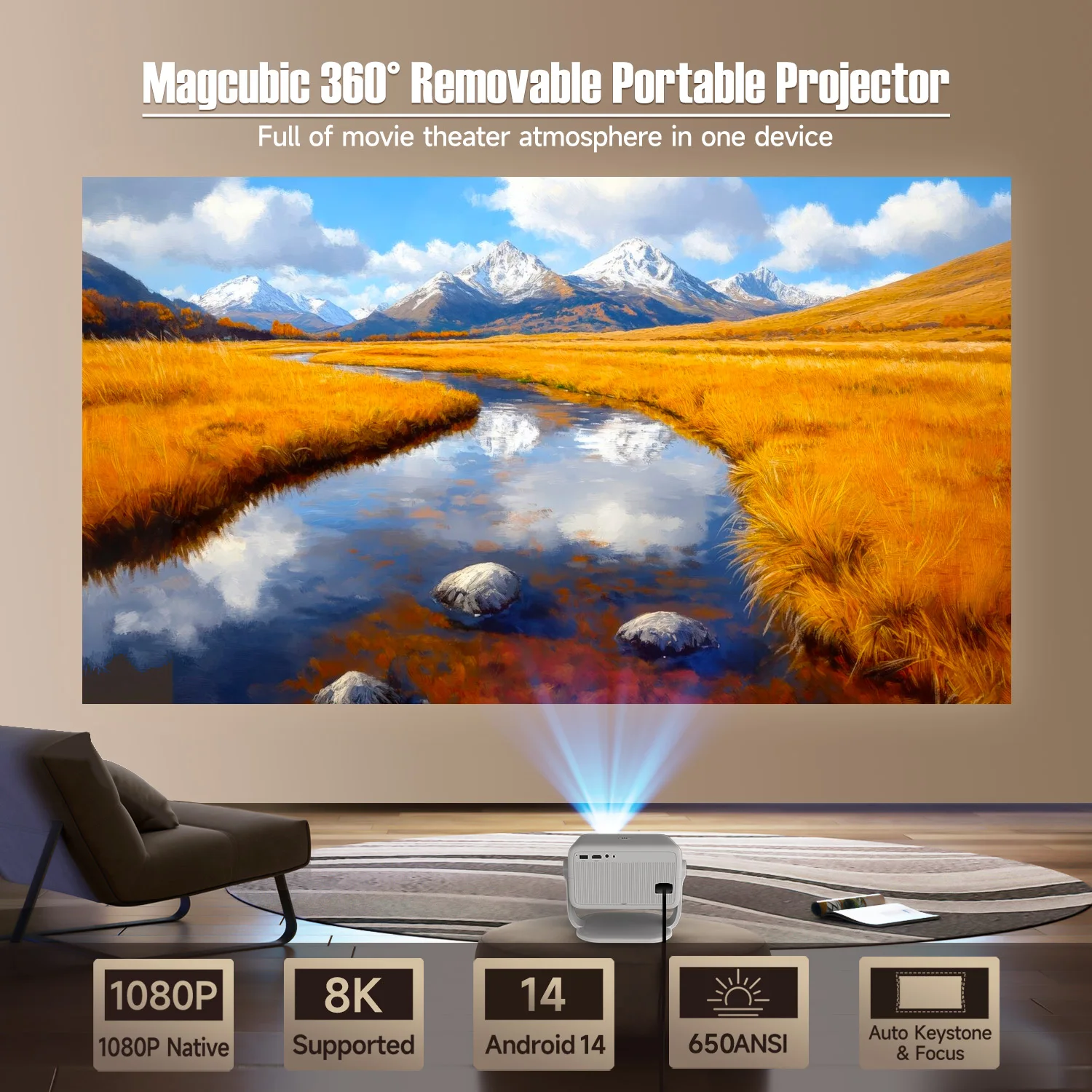
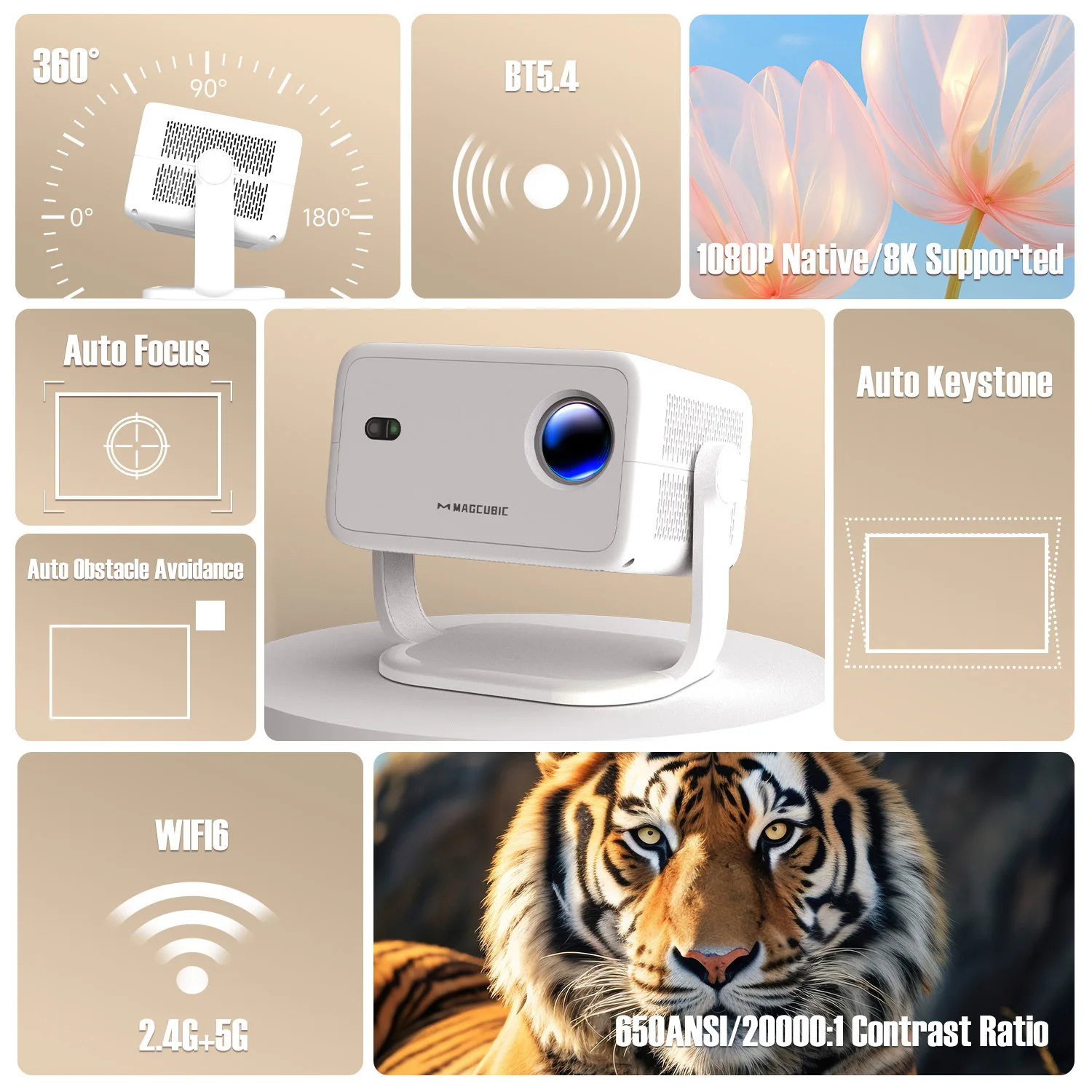
360° & 650ANSI & WIFI6/2.4G+5G & BT5.4 & Auto Keystone/Focus & 1080P Native/8K Supported

360° Removable Adjustable Stand Projector

Easily rotate and tilt the projector to achieve the perfect viewing angle

Auto Keystone Correction & Focus

Say goodbye to manual. Just 2 seconds to get clear image

Every Detail is Visible

650ANSI/20000:1 Contrast Ratio

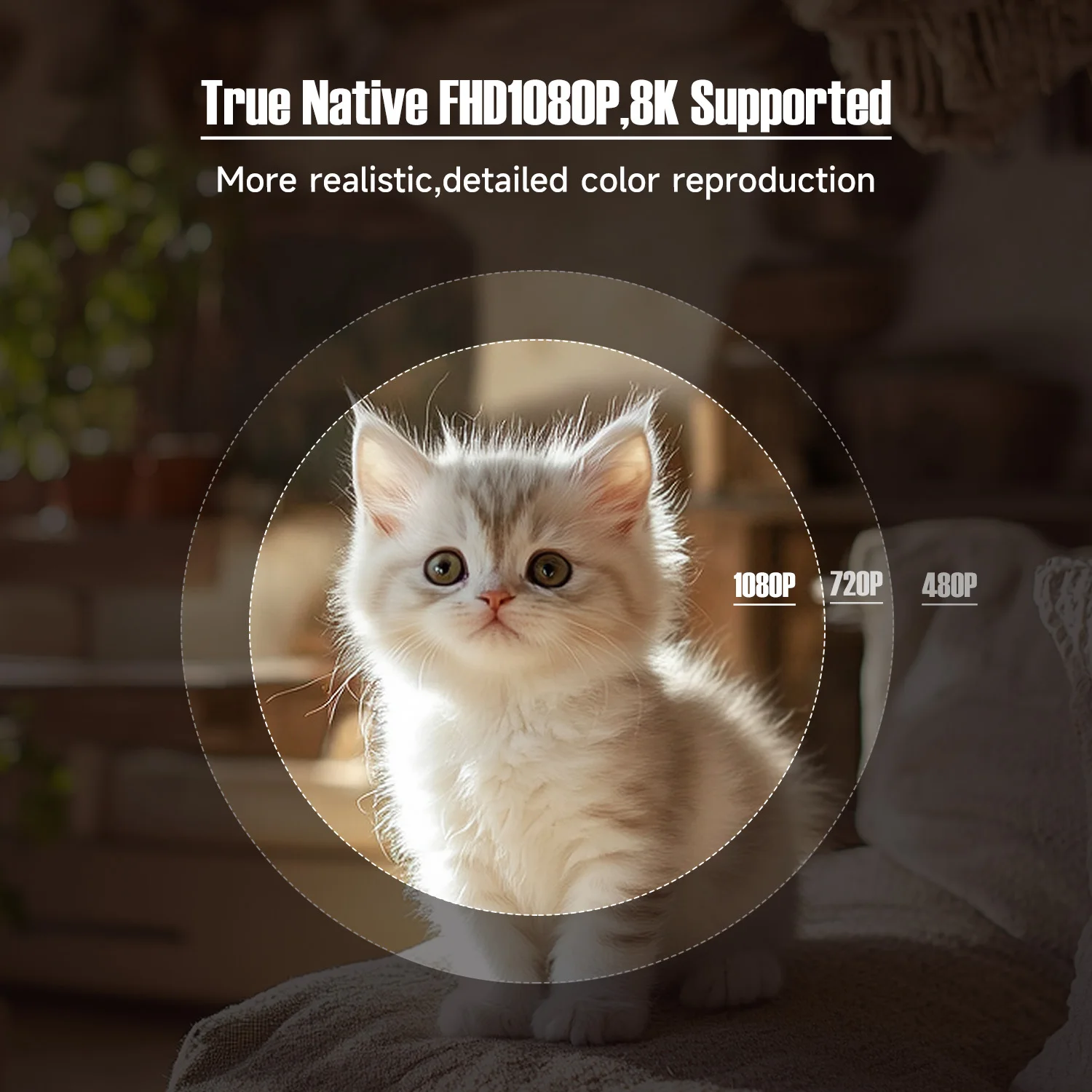
True Native FHD1080P,8K Supported

More realistic,detailed color reproduction
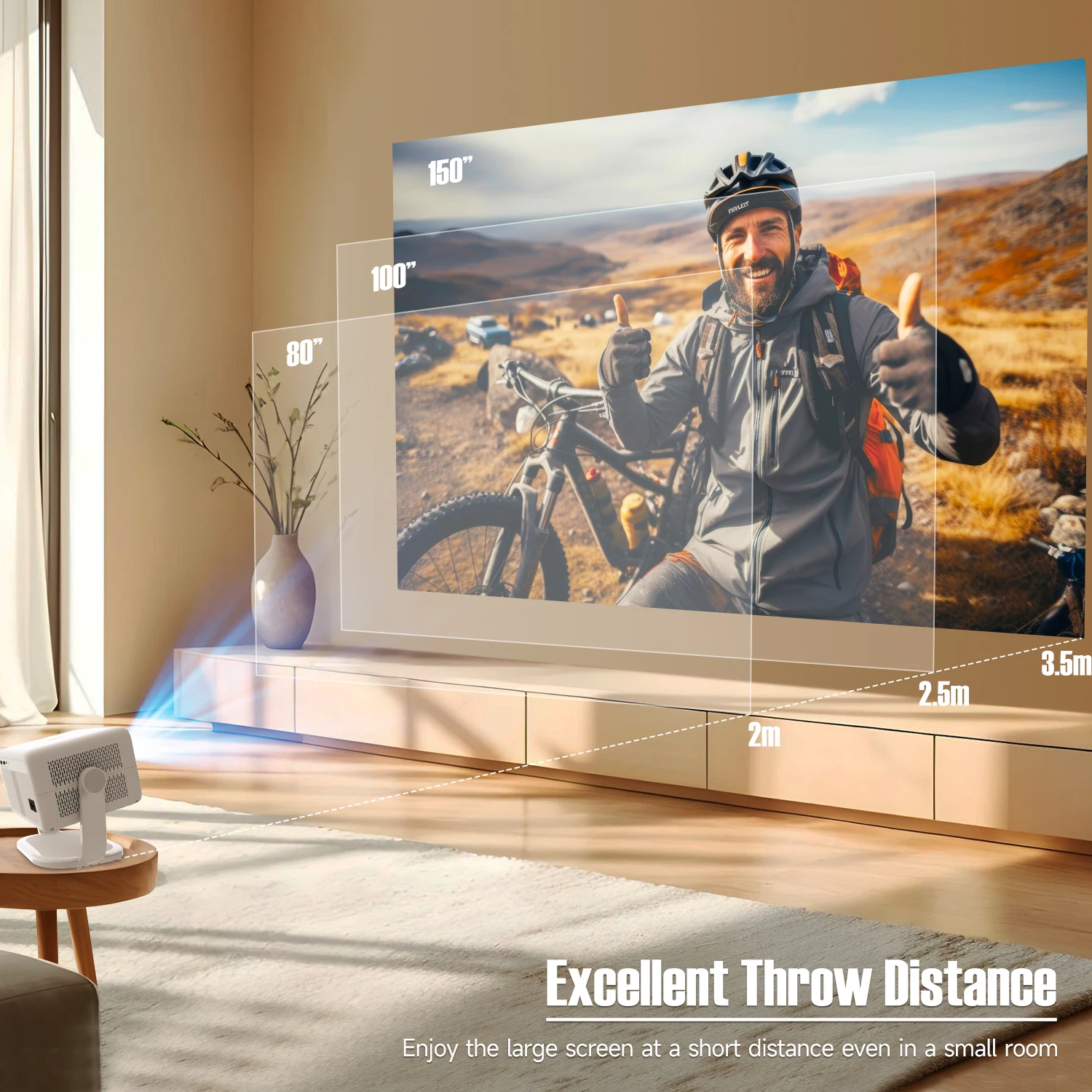
Excellent Throw Distance

Enjoy the large screen at a short distance even in a small room, 1.2:1 Projection Throw Ratio
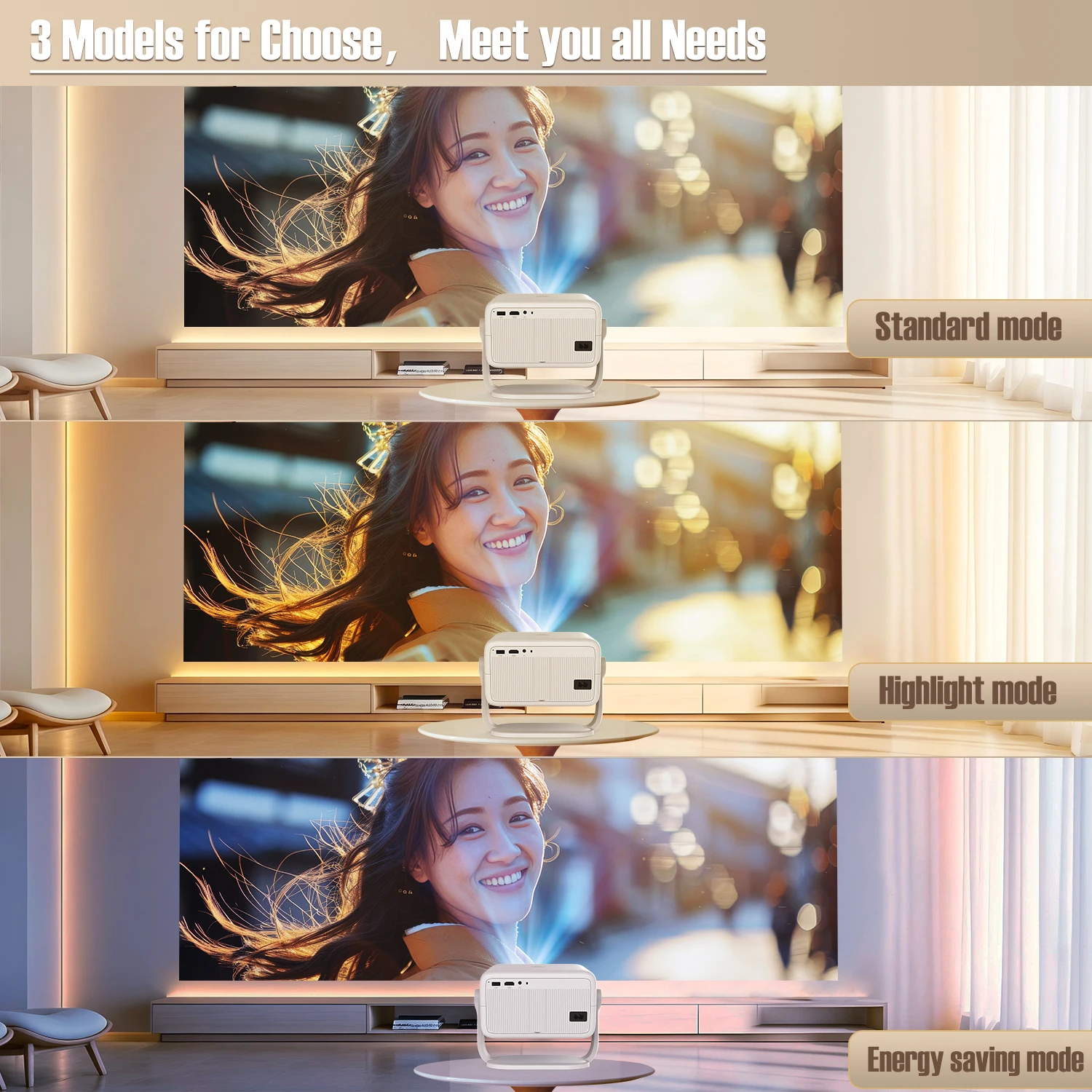
3 Models for Choose,Meet you all Needs

Standard mode,highlight mode and energy saving mode
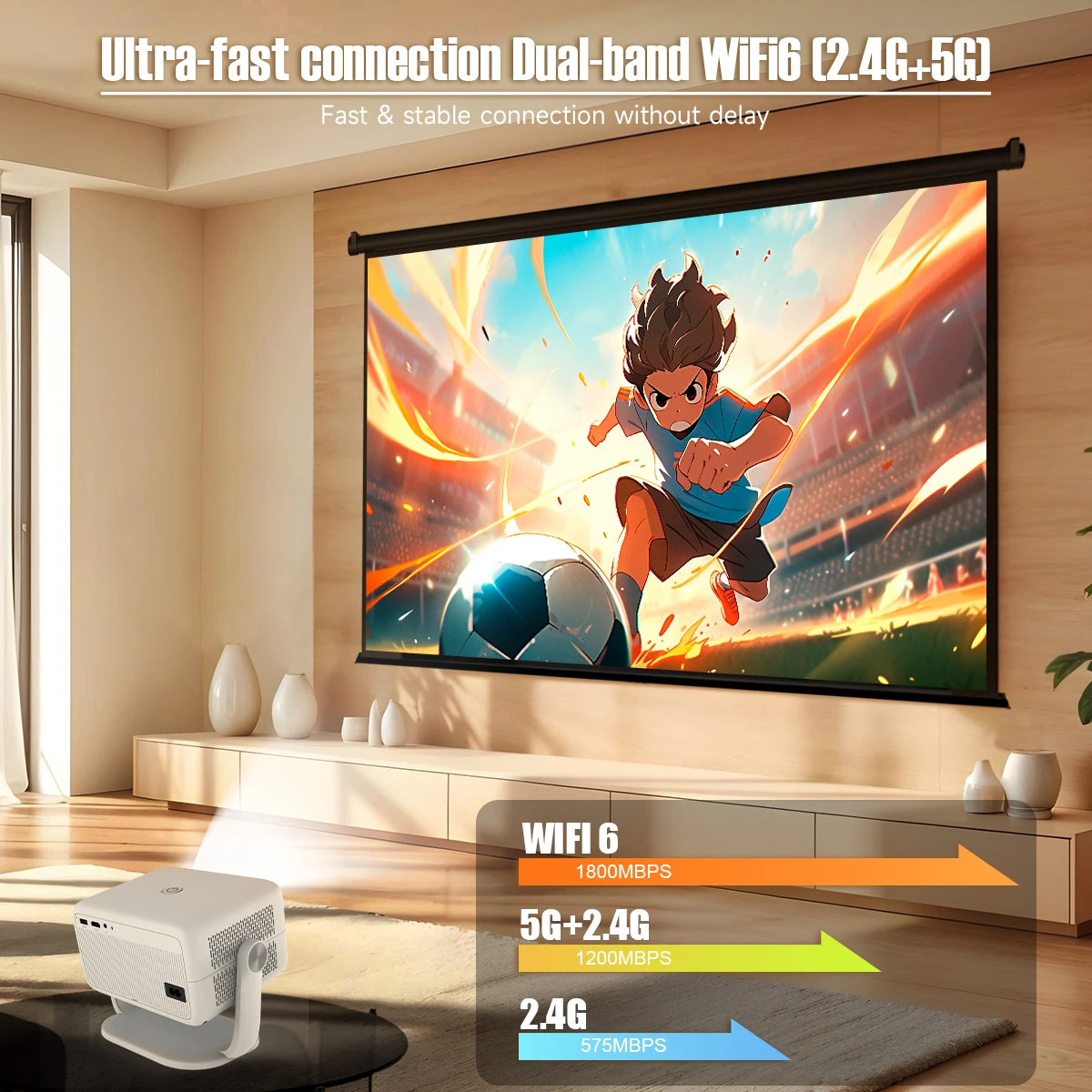
Ultra-fast connection Dual-band WiFi6 (2.4G+5G)

Fast & stable connection without delay
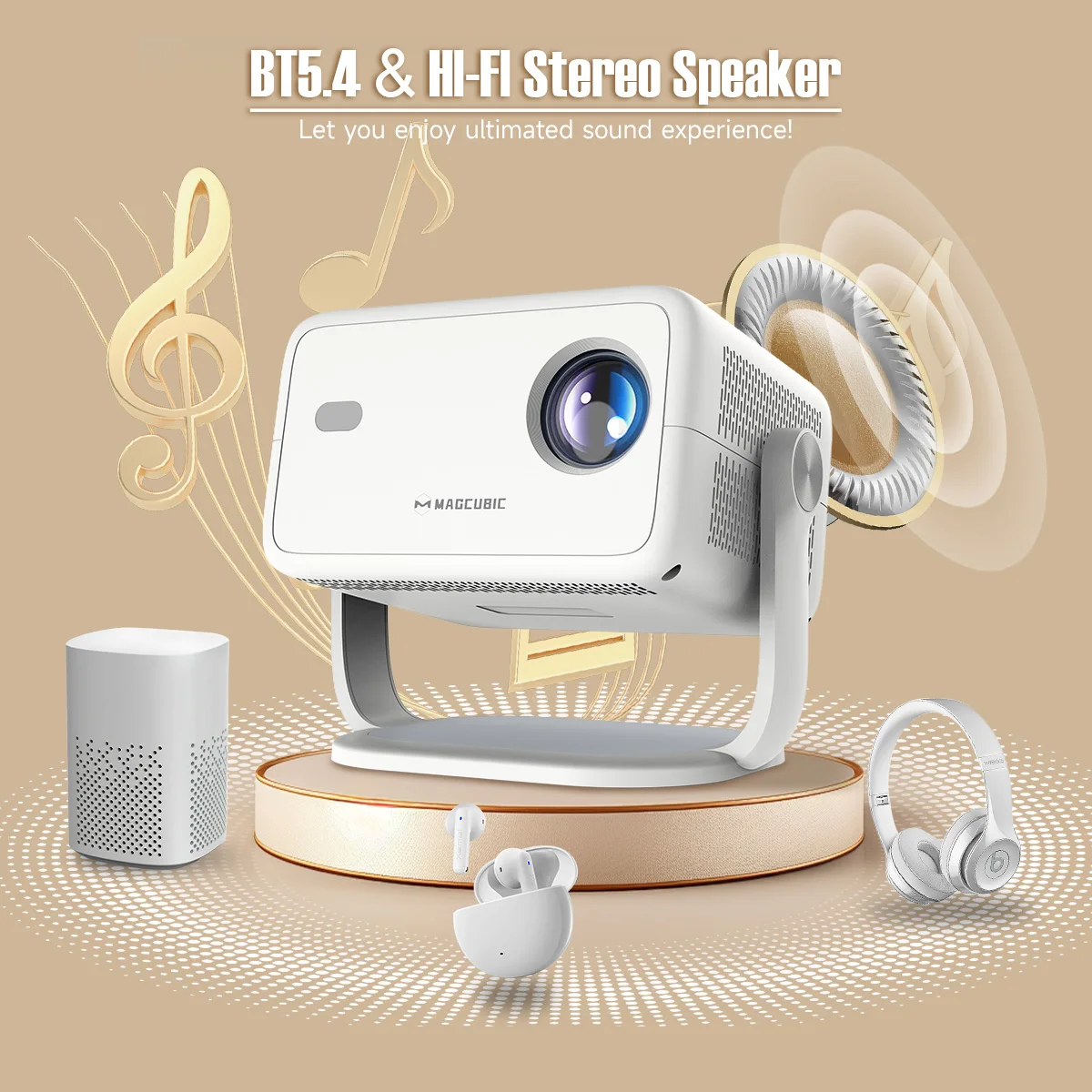
BT5.4 & Hl-Fl Stereo Speaker

Let you enjoy ultimated sound experience!
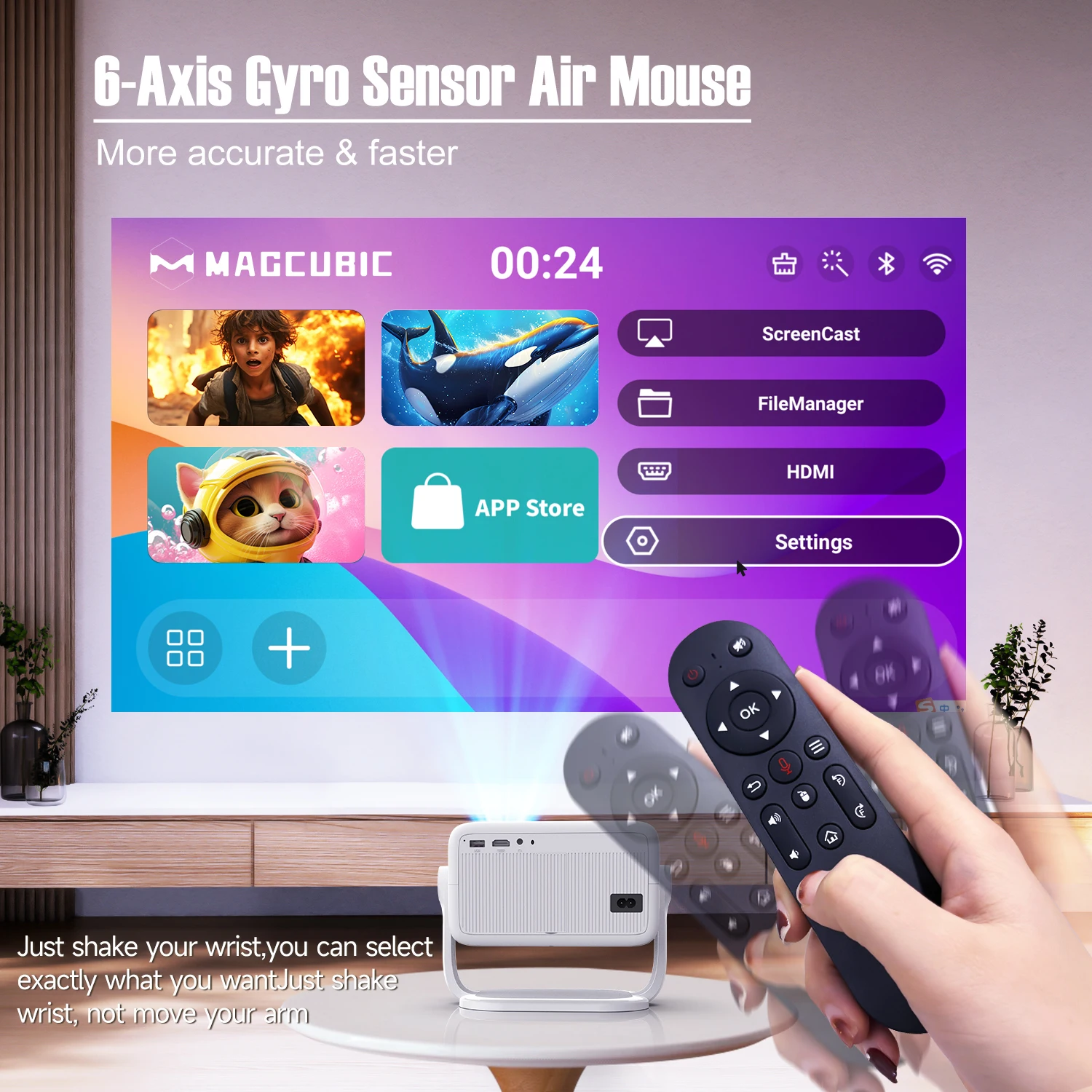
6-Axis Gyro Sensor Air Mouse

More accurate & faster!

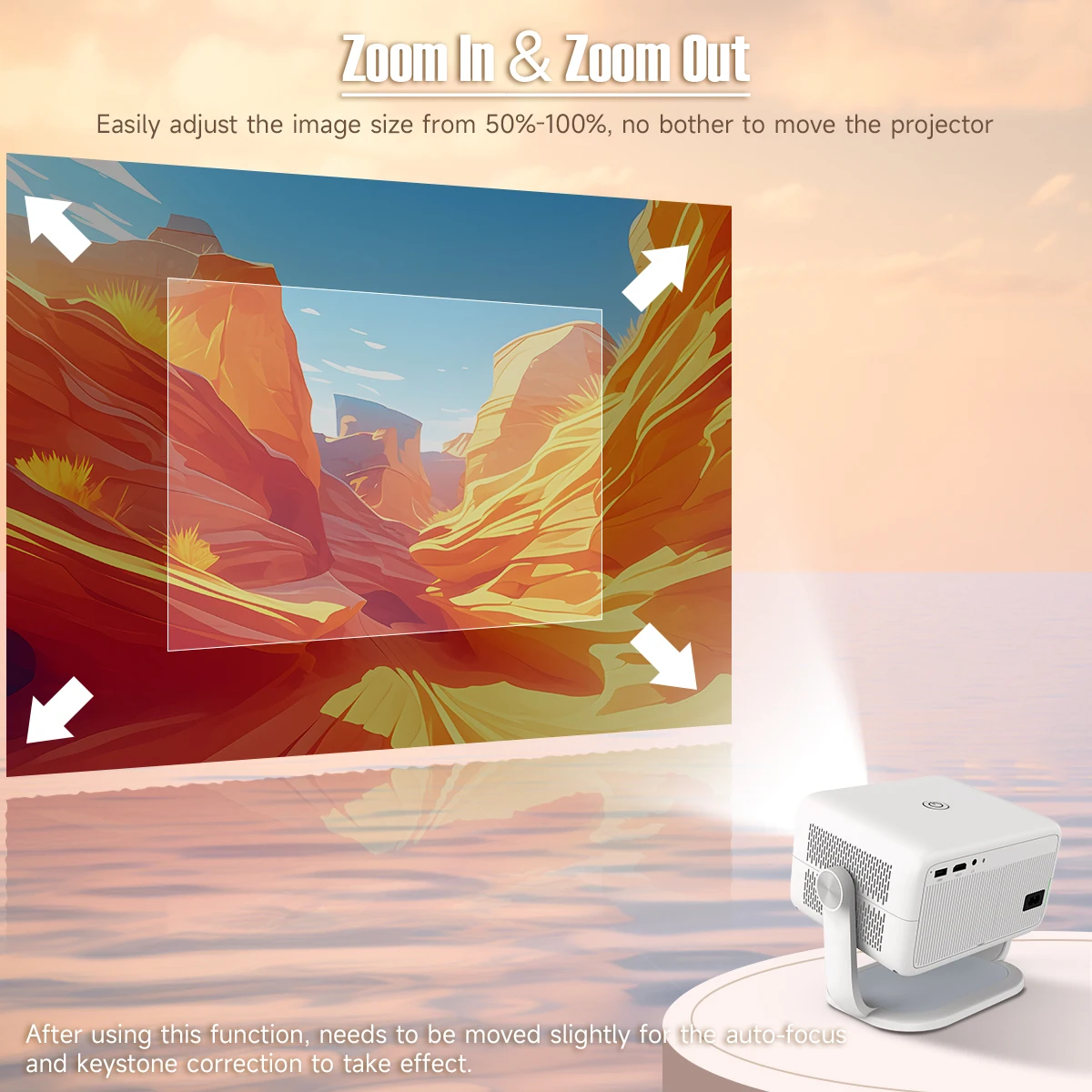
Zoom In & Zoom Out

Easily adjust the image size from 50%-100%, no bother to move the projector

Note : After using this function, needs to be moved slightly for the auto-focus and keystone correction to take effect.
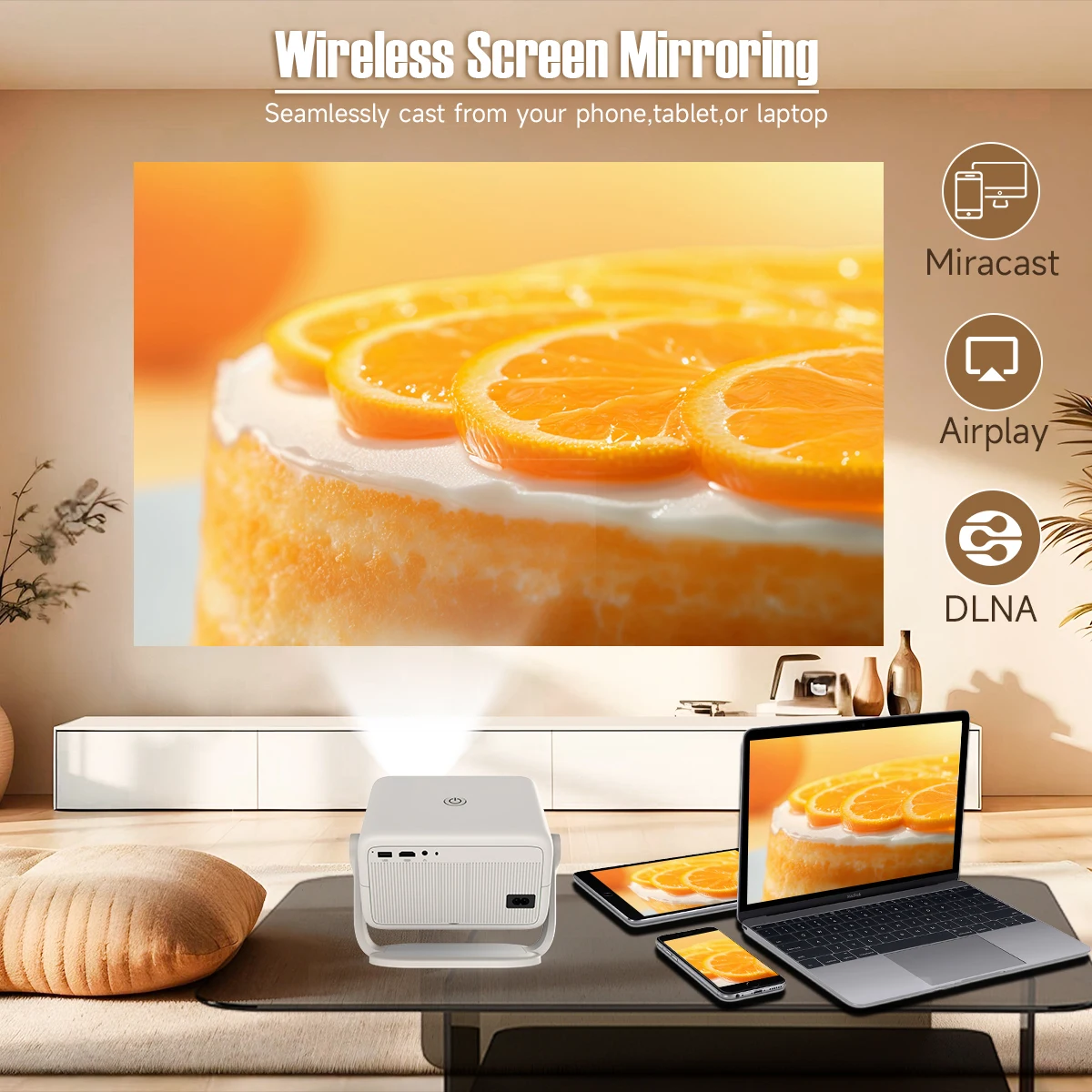
Wireless Screen Mirroring

Seamlessly cast from your phone,tablet,or laptop
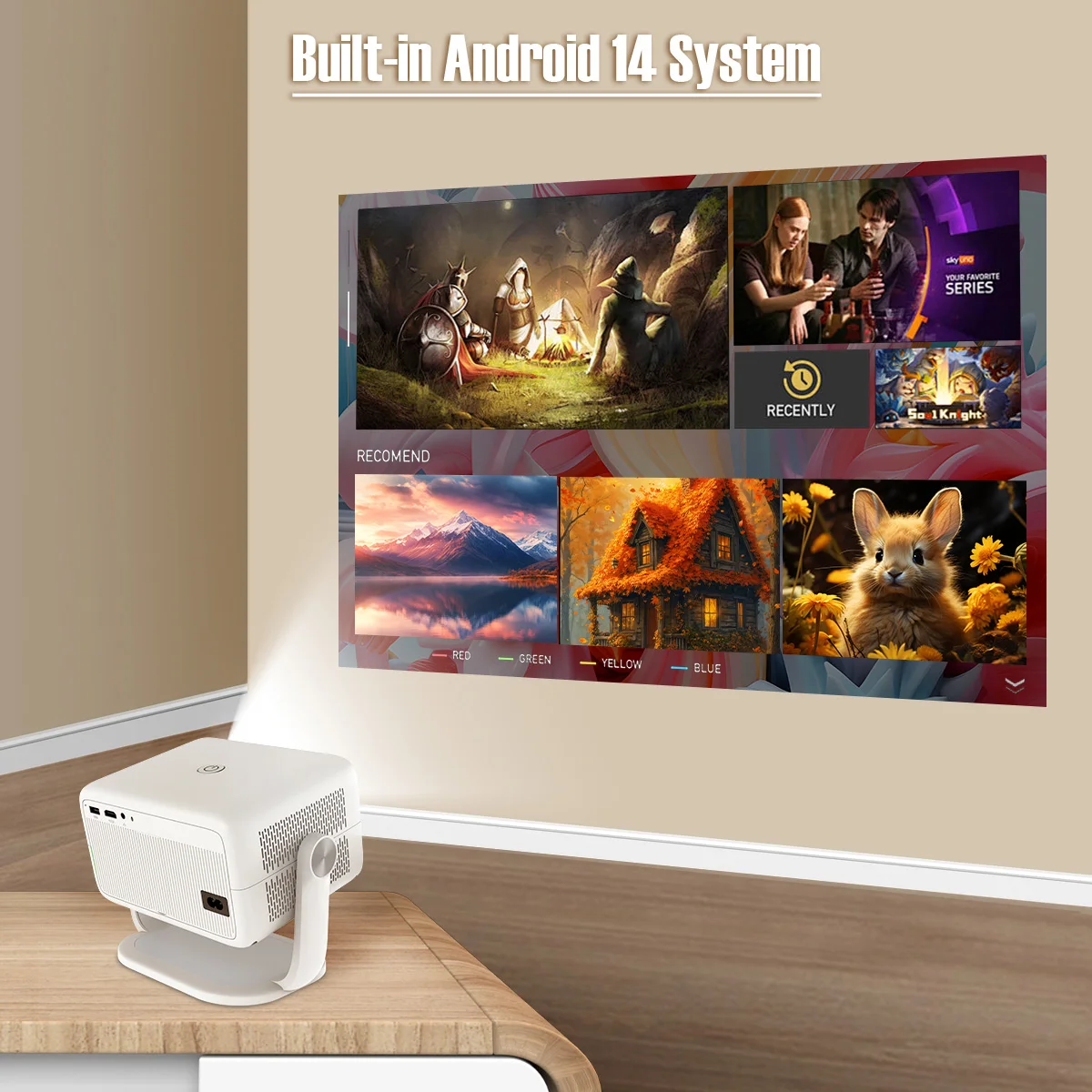
Built-in Android 14 System

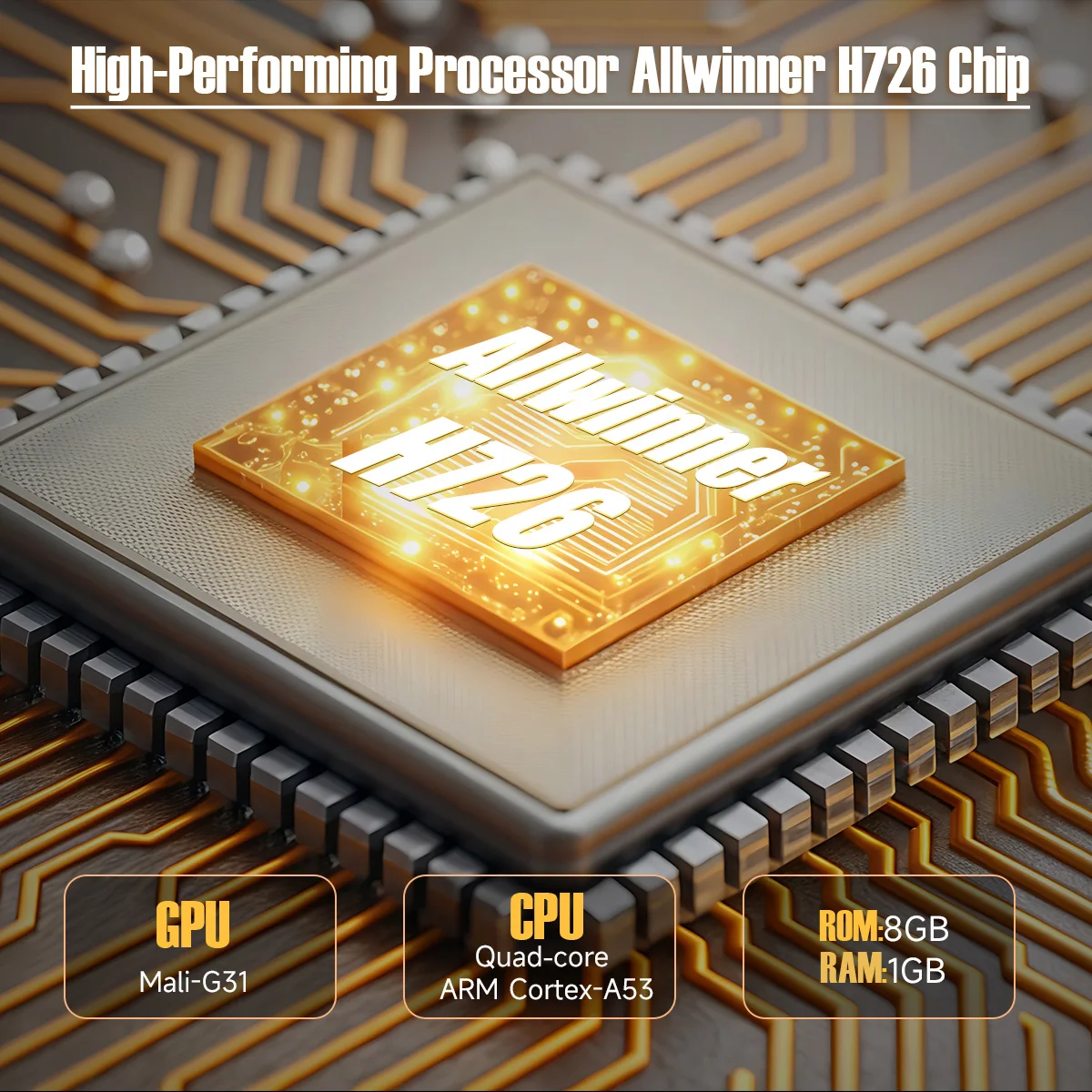
High-Performing Processor Allwinner H726 Chip

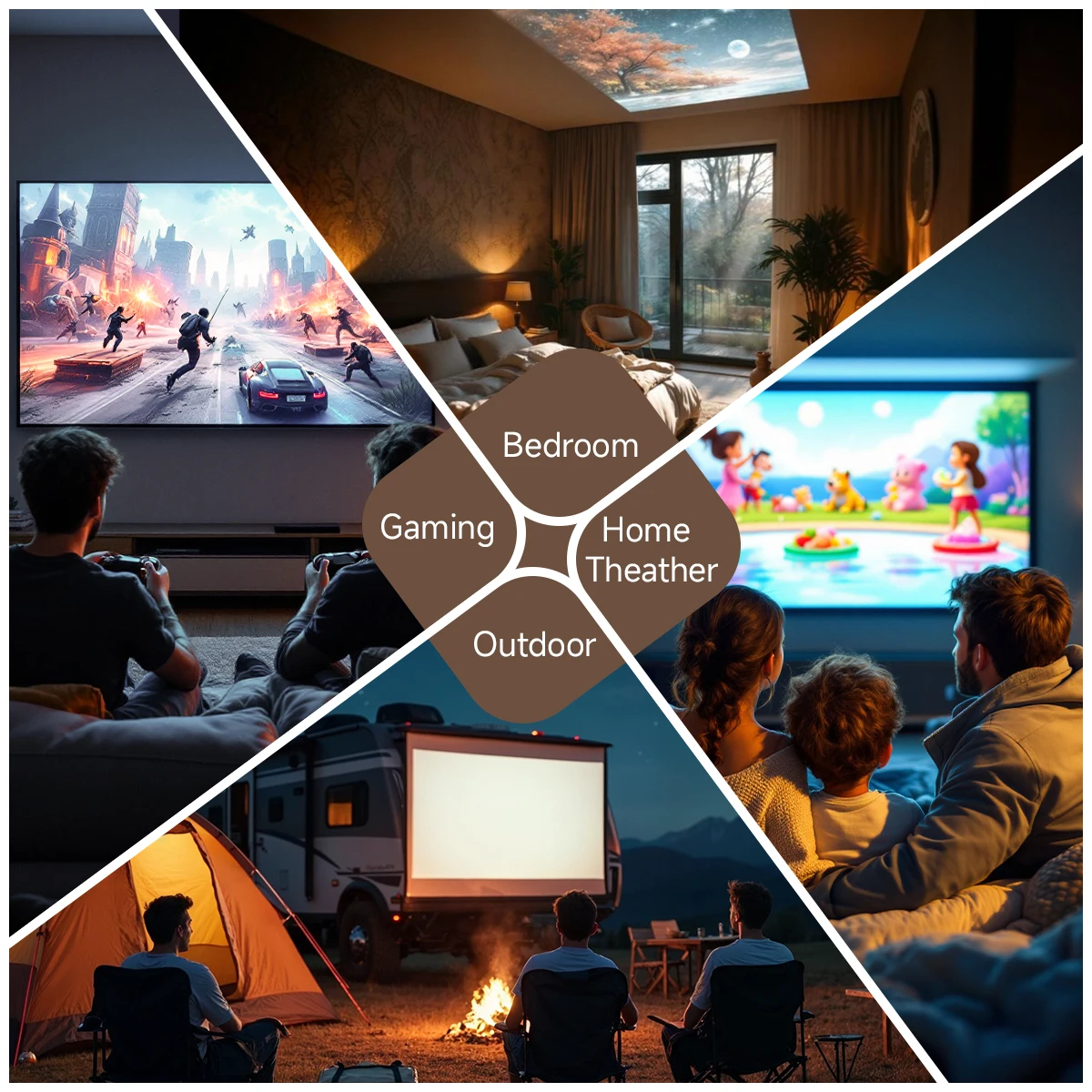
Bedroom & Home Theather & Outdoor & Gaming

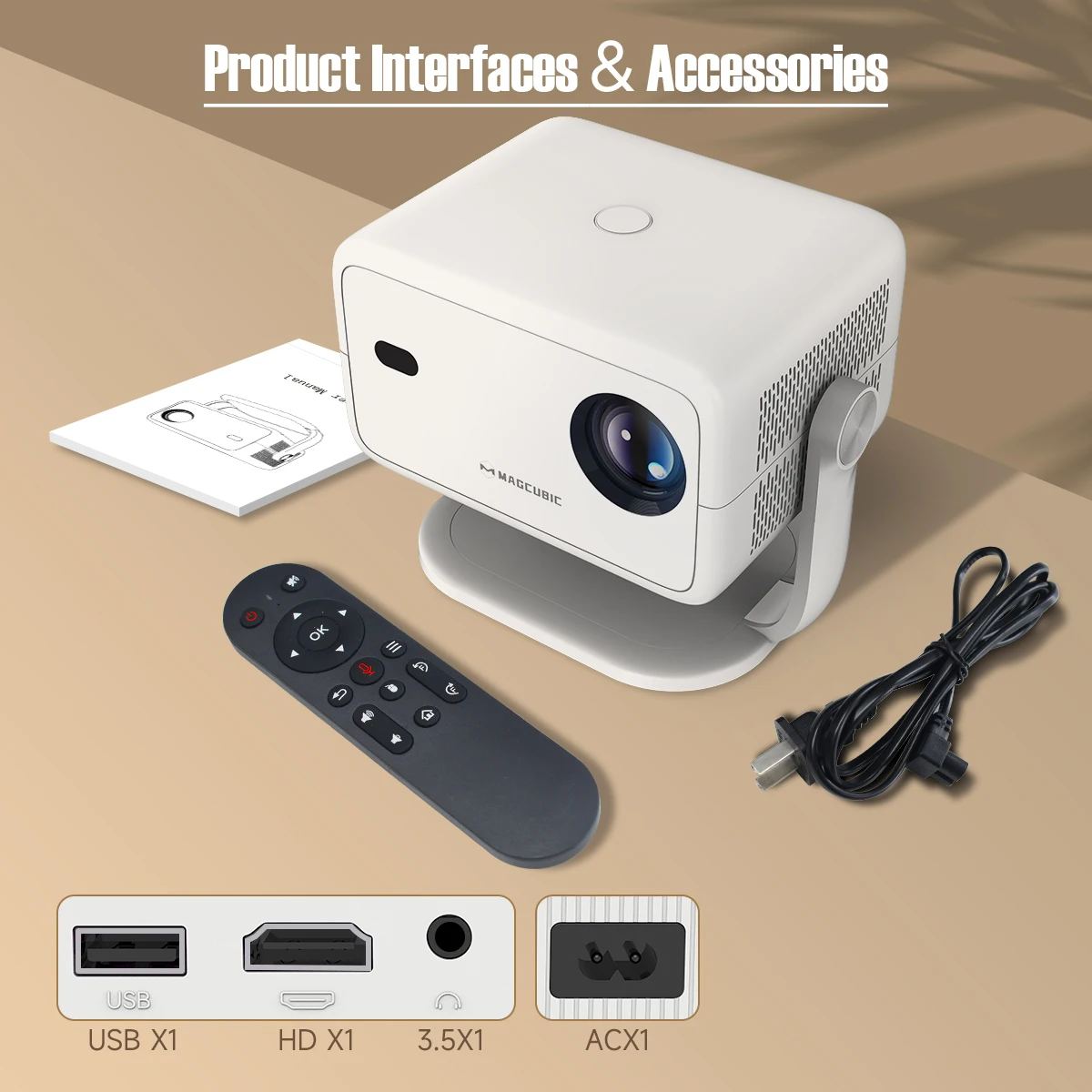
Product Interfaces & Accessories


Question & Answer

Q1: How Do I Upgrade the Firmware of L018?

A: Go to Settings > About devices > Local upgrade/Online upgrade

Q2: How Do I Factory Reset the L018?

A: Go to Settings > Other Settings > Restore factory settings

Q3: How Do I Zoom In/Out?

A: Go to Settings > Projection settings > Digital scaling

Q4 : How Do I Maunally Adjust the Keystone

A : Go to Settings > Projection settings > Manual trapezoidal

Q5 : How to I activate L018's Manual Focus?

A: Press the focus buttons on the remote control to get the best clarity.

Q6: What Should I Do If My L018 Has No Sound?

A: Try the following steps to see if they help:

1. Hit the Volume Up/Down button on the remote control

2. Connect your L018 to an external BT speaker via Settings > BT > Available devices

3. Turn the projector to speaker mode

4. Factory reset the L018 via Settings > Other Settings > Restore factory settings

Q7: What Should I Do If the Image is Tilted?

A : Try the following steps to see if they help:

1. Update the firmware to the latest. Go to Settings > About devices > Local upgrade/Online upgrade

2. Manaulally adjust the keystone. Go to Settings > Projection settings > Manual trapezoidal

3. Go to Settings >Projection settings > Reset trapezoidal correction if the above tips not work

Q8: What Should I Do If My App Crashes?

A: 1. Try another Wi-Fi network and update the firmware. Go to Settings > About devices > Local upgrade/Online upgrade

2. Check if your time zone is accurate via Settings > Date and time > Time Zone

3. Clear data via Settings > Apps management > (App Name) > Clear Cache.

4. Reset the L018 via Settings > Other Settings > Restore factory settings

Q9: What Should I Do if the L018 Can't Connect to Wi-Fi?

A : 1. Place the L018 and your router within 16 ft / 5 m of each other. Test if other devices can connect to Wi-Fi.

2. Check if your time zone is accurate via Settings > Date and time > Time Zone

3. Try a different Wi-Fi network or connect to your phone's hotspot.

4. Try your router's 2.4GHz and 5GHz settings.

5. Reset the L018 by going to Settings > Other Settings > Restore factory settings.

Q10: How do I enter the Air Mouse mode?

A: Ensure that the remote control is successfully paired with the projector via BT(Steps: Press the left and right buttons on the remote simultaneously.). Then, press the mouse button on the remote control to activate the Air Mouse mode.

Q11: How do I enter N App to See the Video?

A: Open the N app>Open the Air Mouse Mode>On the top right corner to log in


Productos Relacionados

Reseñas de Clientes

Aún no hay reseñas. Si compraste este producto, deja la primera.

Inicia sesión para dejar una reseña si ya compraste este producto.